How to Get Press for an Indie App: 2026 Pitch Kit and Worksheet
Getting press for an indie app in 2026: find the story, score outlets on a worksheet, send one personal pitch, and use Apple's and Google's featuring forms.

Indie app pitches mostly go unanswered, and the guides that rank for this question date from 2012 and 2016. This one is the 2026 version: how to find a story a writer can use, how to score outlets before you write to them, a pitch template you can fill in fifteen minutes, and the two store-side editorial forms that most press guides skip. Every platform rule below was checked against Apple’s and Google’s own developer pages in October 2026.
I have built and shipped my own apps and I am doing outreach for them right now. I have no coverage results to report yet, so nothing here is a “how I got featured” story. It is the method I am using, with the parts that come from official pages marked as such.
Who counts as press for an indie app in 2026
The word “press” makes most developers picture the big tech sites. Those are the hardest door and often the least useful one for a small app.
Think in four groups instead. First, the large tech and Apple or Android news sites. Second, publications that cover your users’ world rather than apps: a cycling magazine for a ride-logging app, a teaching blog for a classroom tool. Third, newsletter writers and podcast hosts who talk to the same readers every week. Fourth, video reviewers who demo tools on camera.
Start with the second group. A niche outlet reaches people who already have the problem your app solves, and an app pitch there is less likely to be one of dozens in the same morning’s inbox. If your app is for climbers, one climbing newsletter beats a mention buried in a tech roundup.
The large sites are worth a pitch only when your story touches something they already cover, such as a new OS feature you support on day one. Without that hook, skip them and spend the hour elsewhere.
Find the story before you find the outlet
Writers cover stories. An app is a product; a story is the reason that product matters to this outlet’s readers this month.

The test I use is one sentence: “Readers of [outlet] should care about this now because [reason].” If the reason is “it’s a great app” or “it has a clean design,” there is no story yet. Keep working.
Angles that tend to hold up for a solo developer:
- A specific problem you had, and the small tool you built to fix it.
- Support for a platform feature that just shipped, done well and early.
- A narrow audience the big apps ignore, such as left-handed users or one trade.
- Something you learned from users that the outlet’s readers would find useful on its own.
- A deliberate choice that cuts against the category, such as no account required.
Angles that do not hold up: a feature list, a claim that you beat a named competitor, and “solo developer” on its own. Being one person is context, not news. It becomes part of a story only when it explains a choice the reader can see in the app.
Build a short list with the outlet worksheet
Every top guide says to target the right writers. None of them says how to decide. This is the worksheet I fill in before any pitch exists. One row per person, not per publication, because a pitch goes to a human.
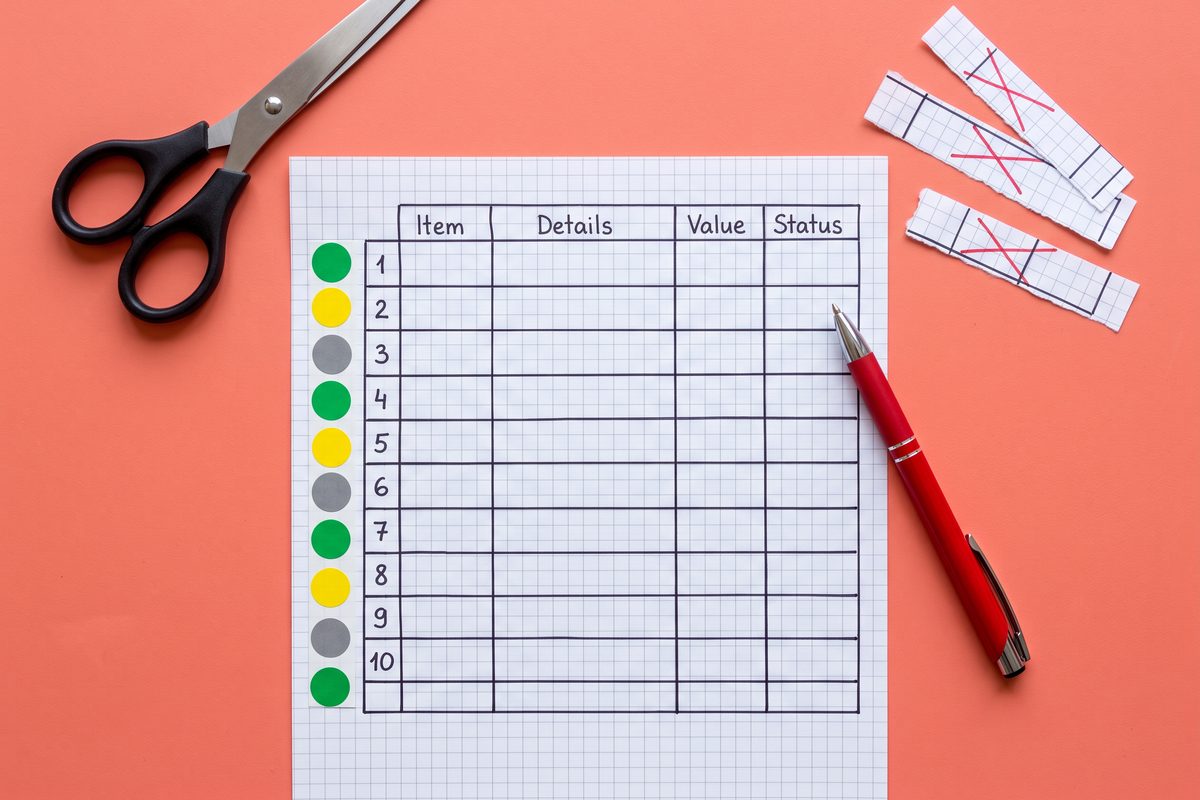
| Column | What goes in it |
|---|---|
| Outlet and writer | The publication and the specific person who would write the piece |
| Recent piece | Link to something they published in the last 90 days that relates to your story |
| Audience match (0-2) | 0 = general tech, 1 = adjacent, 2 = your exact users |
| Topic match (0-2) | 0 = never covers this, 1 = covers the category, 2 = covered this exact problem |
| Format match (0-2) | 0 = no app coverage at all, 1 = occasional roundups, 2 = regular reviews, tool picks, or interviews |
| Reachability (0-2) | 0 = no public contact, 1 = general tips inbox, 2 = writer lists a direct email or pitch form |
| Total (0-8) | Sum of the four scores |
| Angle for this person | The one-sentence story, rewritten for this writer |
| Sent / follow-up / outcome | Dates and a one-word result |
| Campaign link | The tracked link created for this row (see the measurement section) |
The rule: pitch only rows that score 6 or more. Rows at 4 or 5 go into a “later” tab and get a pitch only if you find a sharper angle for that writer. Anything under 4 gets deleted. A short list of fifteen rows that all score 6+ is a better use of a week than sixty rows sent blind.
The “Recent piece” column is the gate. If you cannot find something the writer published in the last 90 days that connects to your story, you do not have a personal reason to write to them, and the row stops there.
This is a narrower cousin of the sheet in cold outreach for an app launch. That post covers creators and community owners; this worksheet is for people whose job is publishing.
The press page: what goes on it
Before the first pitch, put a plain page at yoursite.com/press. A link to a page beats an attachment every time: it does not bloat the email, and the writer can come back to it in a month.
What the page needs:
- The app name, a one-line description, and a 100-word description.
- Price model and platforms, with the store links.
- The app icon at full size, five or six screenshots, and a 30-to-60-second screen recording.
- A short developer bio and a photo of you.
- The launch date, or the date of the update you are pitching.
- One email address that you actually read.
If you show an App Store badge, use Apple’s official artwork. Apple’s marketing guidelines say to use only the badge artwork it provides, not to modify or animate it, and to keep it at least 40 px tall onscreen. Apple’s App Store marketing tools will also generate short links, a QR code, or embeddable badge code that points to your product page.
Should the pitch include a promo code?
Offer one; do not paste it in the first email. Apple lets you request up to 100 promo codes per version of each platform your app supports. Each code works once and stays valid for four weeks from the day it is generated. A person who redeems one cannot rate or review the app. A code pasted into a cold pitch usually expires unread. Send it when the writer says yes.
On Android, Play Console promo codes cover paid apps, one-time products, and subscriptions, with up to 500 codes per quarter across all non-subscription promotions in an app.
The pitch template, line by line
Here is the template, kept under 150 words. Each bracket is a slot you fill from the worksheet row, so no two pitches come out the same.
Subject: [App name]: [the story in under 8 words]

Hi [first name],

[One sentence on their recent piece, specific enough that it could
only be about that piece.]

I'm [your name]. I built [app name], a [platform] app that [does one
thing] for [specific users]. [The one-sentence story, rewritten for
this outlet's readers.]

[One concrete detail: the platform feature it supports, the problem it
removes, or the choice that makes it different. No adjectives.]

It launches on [date] / It's available now. Press page with screenshots,
a short video, and my bio: [press page link]

If it fits your coverage, I can send a promo code or set up a short
call. If not, no reply needed.

[Your name]
[App name] · [one email]
Why each line is there. The subject line carries the story, not “Press inquiry” or “New app launch.” The first line proves you read their work; if you cannot write it truthfully, do not send. The middle paragraph is two sentences because a writer decides in the first ten seconds. The last line gives an easy out, which is what keeps one personal email from feeling like a demand.
The follow-up is one email, sent about a week later, replying in the same thread:
Hi [first name], one quick follow-up on [app name]. [One new fact:
launch date confirmed, feature shipped, a user result you can show.]
Press page: [link]. Thanks either way.
That is the last message to that person about this launch. If the row stays silent, close it.
Two rules I hold to on my own outreach. Every pitch goes to one person, written for that person, from my own address. And no pitch goes out without a “Recent piece” link in its worksheet row. Pasting the same text to a purchased list of two hundred addresses is spam whatever the subject line says, and it burns the writers you will want for the next app.
Timing, follow-up, and embargoes
Pitch two to three weeks before the date you want coverage. That gives a writer room to try the app and fit it into a schedule, and it lines up with the store-side forms below.
Send on a weekday morning in the writer’s time zone and avoid the day of a big Apple or Google event, when tech desks are buried. Beyond that, send time matters far less than the angle.
Embargoes are for apps with real demand. If one writer is clearly interested, you can offer them the story a few days early on the condition that they publish on launch day. Do not offer an “exclusive” to five people; writers talk.
If you are also launching on Product Hunt, keep the press date and the launch date close but not identical, so you are not answering writers and comments in the same hour. The solo Product Hunt checklist covers that day in detail.
The store editors are press too: 2026 featuring channels
Apple and Google both run editorial teams that pick apps for featuring, and both now accept nominations directly. None of the top-ranking press guides mention them. For a small app, a store feature can matter more than a news story, and the submission costs nothing.
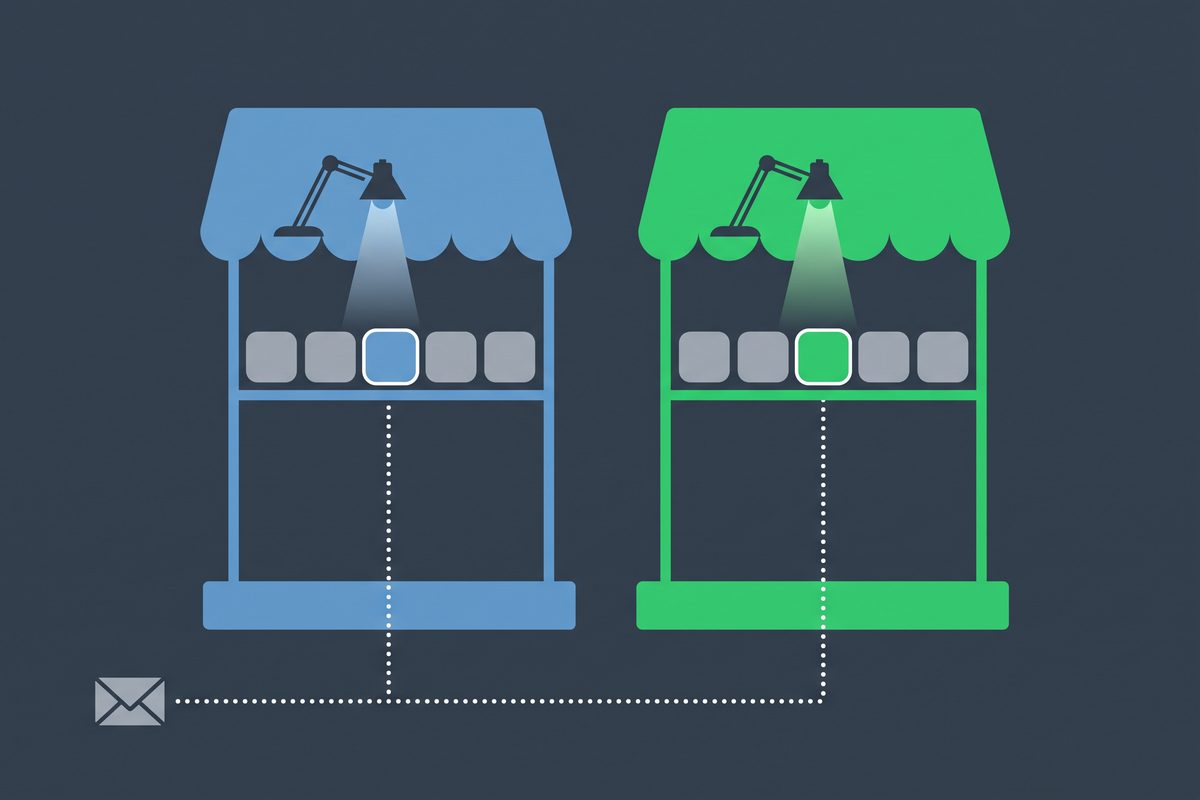
The current mechanics, collected from official pages on October 19, 2026:
| Channel | Where | Lead time | Key rules |
|---|---|---|---|
| App Store Featuring Nominations | App Store Connect | At least 2 weeks’ notice; up to 3 months suggested for wider consideration. Help article tip: minimum 3 weeks | Roles: Account Holder, Admin, App Manager, or Marketing. Types: New Content, App Enhancements, App Launch. Up to 5 supporting URLs. No guarantee of featuring |
| App Store promo codes | App Store Connect | Codes valid 4 weeks from generation | Up to 100 per version per platform; single use; redeemers cannot rate or review |
| Google Play Featuring Nomination | Google Play Help contact form | At least 3 weeks ahead; 8 weeks for newly launched apps | App must already be in Play Console; minimum rating 3.0 for apps; meeting the requirements does not guarantee promotion |
| Google Play promo codes | Play Console, Promotions | Promotions can last up to one year | Up to 500 codes per quarter across non-subscription promotions in an app |
Apple says there is no checklist for featuring, but lists what its editors weigh, including user experience, UI design, innovation, accessibility, localization, and the quality of the product page itself. Read that list as a pre-flight check. If your screenshots are weak, fix them before you nominate.
The nomination is a pitch to a different kind of editor, and it rewards the same discipline: one clear story, a date, and supporting links. Your press page link can go in Apple’s supplemental URLs.
Measure which outlet sent installs
Press without measurement turns into guesswork about which kind of outlet to pitch next time.
On iOS, create one App Store campaign link per worksheet row. In App Store Connect, the Campaigns section under Analytics generates a link with your provider token (pt) and a campaign token (ct) that you name; the name can be up to 30 alphanumeric characters and spaces. Put the outlet’s short name in the token and give that link to the writer, or use it on your press page.
Two caveats from Apple’s help page. Campaign data appears only once it reaches a minimum threshold of five in the selected range, and you need at least 24 hours of analytics data after launch before you can create links at all. A small newsletter may send installs that never show up as their own row. That is a reason to keep the outcome column in the worksheet, not a reason to skip tracking.
The full attribution setup, including Play Console’s side, is in how to promote an app with no budget.
What not to do
Do not buy a “guaranteed coverage” package. Coverage that is for sale is advertising with a byline, and the outlets that sell it are rarely the ones your users read.
Do not send attachments. A 40 MB zip of screenshots is the fastest way to the trash folder; the press page solves it.
Do not follow up more than once, and do not switch channels to chase a writer who did not reply by email. A DM after an unanswered pitch reads as pressure.
Do not claim numbers you do not have. If the app launched last week, say so. Writers can check, and an honest “just launched” with a sharp angle beats an inflated download count.
This week, before you write a single pitch, fill in ten rows of the outlet worksheet and delete every row that scores under 6. The pitches get easier once you know exactly who you are writing to and why.
Frequently asked questions
How many times should I follow up with a journalist about my app?
Once. Send a single short follow-up about a week after the first pitch, ideally with one new fact such as a launch date or a feature that shipped. If there is still no reply, mark the row closed and move on. A second or third nudge rarely changes the answer and costs you the writer's goodwill for the next app.
Should I pay for a press release distribution service for an indie app?
For most solo apps, no. A wire release reaches lists that do not cover your category, and the writers who would care rarely read wire feeds. Spend the same hours on ten personal pitches to people who already write about your users' problem, and keep a plain press page on your own site instead.
Should I include a promo code in my first pitch?
Offer one, do not paste it. Apple's App Store promo codes are single-use, expire four weeks after you generate them, and anyone who redeems one cannot rate or review the app. Send the code when a writer says yes, so it does not expire unused in an inbox.
How far ahead should I submit an App Store featuring nomination?
Apple's featuring page asks for at least two weeks of notice and suggests up to three months for wider consideration, while its App Store Connect help article recommends a minimum of three weeks. Plan on three weeks or more. Google Play's featuring form asks for three weeks, or eight for a newly launched app.
Sources
- Getting featured on the App Store — Apple Developer
- Nominate your app for featuring — App Store Connect Help
- Request and manage promo codes — App Store Connect Help
- Promoting your apps and games — Apple Developer
- Marketing Resources and Identity Guidelines — Apple Developer
- Manage campaigns — App Store Connect Help
- Featuring Nomination — Google Play Help
- Create promotions — Play Console Help
This article is general information based on the author's experience. It is not licensed financial, legal, or tax advice. See the editorial policy.