Lead Magnet Ideas for Creators: 12 Formats Ranked by Effort
12 lead magnet ideas for creators rated by build effort, upkeep and where to place them, plus what Kit's and MailerLite's free plans deliver as of October 2026.

This post contains affiliate links. If you sign up through them, Solo Ops Lab may earn a commission at no extra cost to you. It does not change what we recommend; see the editorial policy.
You have an audience on YouTube, a podcast or Instagram, and you want some of those people on an email list you control. A lead magnet is the free thing you trade for that email address, and the right one depends less on which format “converts best” than on how many hours you have and where the link will sit. Below are 12 lead magnet ideas for creators, a table that rates each by build effort, upkeep and placement, and what two free email plans can deliver for you as of October 2026.
If you have not set up the list yet, start with how to build an email list from YouTube and come back. More growth guides live in the launch and growth category.
What a lead magnet has to do for a creator
It has three jobs. Get the email address. Make the first email feel expected. And point at one thing you sell, or will sell.
That third job is the one most freebies skip. A checklist that has nothing to do with your paid product builds a list of people who wanted a checklist.
I learned the cost of the other half the hard way. I made an ebook and sold it, and it sold while I paid for ads. When I stopped the ads, the sales stopped, and I closed it (the full story is here). Nothing in that setup kept bringing people in once the spend was off. A lead magnet only fixes that if it sits somewhere that sends traffic for free, every week, without you touching it. So pick the placement before you pick the format.
12 lead magnet ideas for creators
1. Checklist
The steps you follow, on one page, in order. A checklist is the fastest freebie to build and the easiest to use the same day. Base it on the question that shows up most in your comments.
2. Template
A Notion page, Google Sheet, Canva file or script outline someone duplicates and fills in. Templates feel more valuable than a PDF because they save typing, not just reading. Check the share link every few months, because a template with a broken link is worse than no template.
3. Swipe file
Real examples that worked: your best hooks, thumbnail concepts, subject lines or sponsor pitch structures, with one line on why each worked. This is hard for an AI tool to copy, because the value is that these are yours.
4. Resource or tool list
The gear, apps and services you actually use, with a sentence on each. Cheap to make. It also goes out of date the fastest, because prices and products change, so date it on the first page and plan a refresh.
5. Prompt pack
A set of AI prompts for one job, such as turning a video transcript into a newsletter. It is quick to build and popular right now. It is also the easiest format for someone else to reproduce, so tie each prompt to your own workflow or skip it.
6. Short guide or ebook
Five to fifteen pages on one problem. Choose this when the topic genuinely needs explanation, not to look bigger than a checklist. A long guide that solves nothing in the first two pages gets saved and never opened.
7. Email course
Five days, one lesson per email. The lead magnet and the welcome sequence are the same thing, which is efficient. It needs an automation, though, and that is where free email plans get tight (see the delivery table below).
8. Video lesson or workshop replay
A recorded tutorial or a cut-down replay of a live session. If you already make video, this can be the cheapest format of all, because the raw footage exists. Edit it short.
9. Challenge
Five to seven days of small tasks, delivered by email, sometimes with a group thread. Challenges build habit and replies, which helps deliverability. They also need you present while it runs, so they suit a launch window more than an always-on signup.
10. Quiz
A few questions that sort people into a result, with the email asked before the result appears. Quizzes segment your list from day one. They need a quiz tool and careful writing, and every result page needs its own follow-up to be worth building.
11. Calculator or spreadsheet
A sheet that answers a number question your audience has: what to charge, how much to set aside, how long until a goal. Useful and sticky. Anything tied to a price or a rule needs checking every year.
12. Sample chapter or lesson
The first chapter of your book or the first module of your course, free. This is the most direct path to a sale, because the person who finishes it already knows what the paid version is like. It only works once the paid product exists.
Lead magnets by format, effort and upkeep
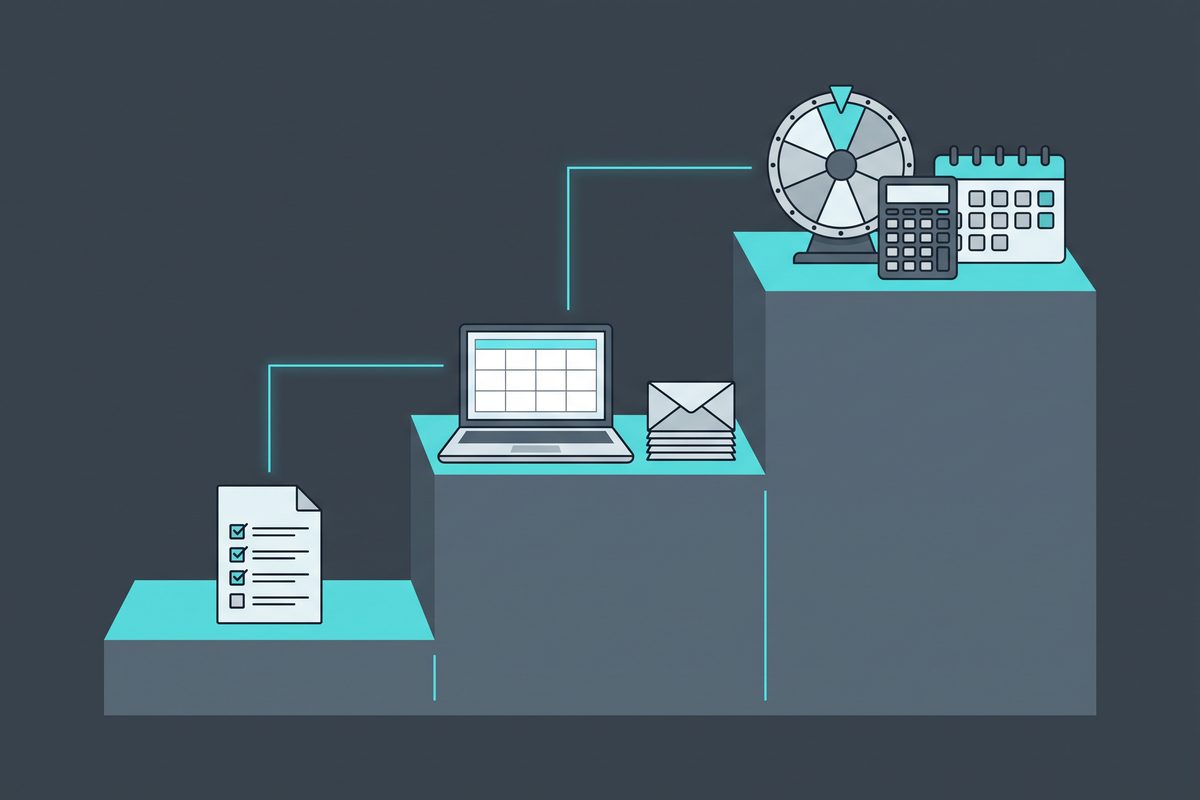
The table below is an editorial rating, not measured data. “Build” is how long a solo creator should expect the first version to take; “upkeep” is how fast it goes stale. There is no conversion column on purpose. Several of the top-ranking articles on this topic quote opt-in rates for formats (18%, 34%, 25–40%, 40–55%), and none of them cite a study for those figures, so they are not repeated here.
| Format | Build effort | Build in | What it needs | Goes stale | Best placement | Natural next offer |
|---|---|---|---|---|---|---|
| Checklist | Low | One sitting | A doc tool, one clear process | Slowly | Video description, pinned comment | Template pack, course |
| Template | Low–medium | One sitting | Notion, Sheets or Canva; a shared link | When the tool changes | Tutorial videos, link in bio | Paid template bundle |
| Swipe file | Low–medium | A weekend | Your own past examples | Slowly | Blog post, podcast notes | Course, coaching call |
| Resource list | Low | One sitting | Notes on what you use | Fast (prices, products) | Gear or setup videos | Affiliate-heavy newsletter |
| Prompt pack | Low | One sitting | A tested AI workflow | Fast (models change) | Workflow videos | Workshop, course |
| Short guide | Medium | A weekend | Writing time, simple design | Medium | Long-form content, blog | Ebook, course |
| Email course | Medium | A weekend | 5 written emails, an automation | Medium | Everywhere | Anything you sell |
| Video lesson | Low–medium | A weekend | Existing footage, editing | Medium | Channel, link in bio | Course, membership |
| Challenge | High | A week or more | Daily emails, your presence live | Per run | Launch announcements | Launch offer |
| Quiz | High | A week or more | A quiz tool, result pages, segmented emails | Slowly | Link in bio, homepage | Product matched to result |
| Calculator | High | A week or more | A spreadsheet or web form, checking | Fast if rules or prices change | Blog posts, search | Tool, service, course |
| Sample chapter | Low | One sitting | A finished paid product | When the product changes | Product page, end screens | That product |
Two patterns show up when you lay it out this way. The low-effort formats split into two groups: checklists and swipe files age well, while resource lists and prompt packs need a refresh every few months. And the high-effort formats (challenge, quiz, calculator) all need ongoing work after launch, so they are a second lead magnet, not a first one.
Which one to build first
If you have one evening, build a checklist from your most-asked question. If your best-performing content is a tutorial, build the template that tutorial uses.
If you already sell something, skip the generic freebie and give away the first chapter or lesson. It filters for buyers instead of browsers.
If you have no product yet, a swipe file or short email course is the better bet, because you will learn from replies what the paid version should be. Do not start with a quiz. It has more moving parts than anything else on this list, and a half-built quiz captures nobody.
Where to put it so people actually see it
Placement decides traffic, and traffic decides whether the freebie is worth the effort.
I grew a YouTube channel past 130,000 subscribers running it alone, and uploading was part of that job, so the description box and the pinned comment were spots I worked with constantly. Those two spots are the most reliable real estate a video creator has, because they ship with every video and keep working on old videos. Put the lead magnet link in the first two lines of the description, and in a pinned comment on the videos that get search traffic. Match the freebie to the video: a checklist for the how-to, a template for the tutorial.
Podcasters get the same effect from show notes. Instagram and TikTok creators mostly have one link in bio, so the lead magnet competes with everything else there; give it the top slot or a dedicated landing page. Bloggers can attach a “content upgrade” to their highest-traffic post, which is a lead magnet built for that one page.
Delivering it on a free email plan
You need three pieces: a form or landing page, an email that hands over the file, and ideally a short welcome sequence that points at your offer. Two free plans cover the first two for most creators. The figures below come from each company’s pricing and help pages, collected on October 19, 2026.
| Free plan, as of October 2026 | Kit Newsletter (free) | MailerLite Free |
|---|---|---|
| Subscriber cap | Up to 10,000 active, unique subscribers | Up to 250 subscribers |
| Email sends | Unlimited | 2,500 per month |
| Landing pages | Unlimited | 1 active |
| Forms | Unlimited | 3 active |
| Automations | 1 basic visual automation with 1 email sequence (help center) | 3 active |
| File delivery | Confirmation (incentive) email can link a file or redirect to a URL after the subscriber confirms | Not covered on the pricing page; link the file in your welcome email |
| Branding | Kit branding cannot be removed | Not covered here |
One wrinkle on Kit: its pricing page grid shows a dash for automations and sequences on the free plan, while the help center article says one basic automation and one sequence are included. Build your welcome sequence in week one and confirm it sends before you rely on it.
The practical read. If you run one freebie and expect the list to pass 250 people, Kit’s free plan is the one that fits, because the landing pages and forms are unlimited and the confirmation email can hand over the file. Kit also recommends keeping double opt-in on, which means the file goes out only after the person clicks to confirm. If you want three separate freebies, each with its own sequence, MailerLite’s three automations suit that better, until you pass 250 subscribers.
For the full price comparison at 1,000 to 10,000 subscribers, see Kit vs MailerLite. For what to send after the download, see email marketing for creators.
The legal floor for the emails that follow
The download email itself is close to transactional. The welcome sequence that pitches your course is marketing, and the FTC treats messages whose primary purpose is commercial under the full CAN-SPAM rules. This is not licensed legal advice; read the FTC’s compliance guide for the details.

The short version from that guide: accurate “From” and header details, a subject line that matches the content, a clear note that the message is an ad where it is one, a valid physical postal address, and an opt-out you honor within 10 business days. The opt-out has to keep working for at least 30 days after you send. Each email in violation can draw penalties of up to $53,088.
A registered PO box or private mailbox counts as the postal address, which is how most solo creators avoid printing their home address in every email.
Checklist before you build
Run your idea through these eight questions. If you answer “no” to the first three, change the idea, not the design.
- Does it answer a question your audience already asks, in your comments or replies?
- Can someone use it the same day they download it?
- Does it lead to one specific thing you sell, or plan to sell?
- Does it contain something only you have, such as your examples, your process or your numbers?
- Is there a free placement that will send it traffic every week (description box, show notes, a top post)?
- Can you build the first version within the “build in” time from the table above?
- Have you dated anything that will go stale, and set a reminder to refresh it?
- Does your welcome email include your postal address and an unsubscribe link?
Pick the checklist or template idea that passes all eight, build it tonight, and put the link in the description of your most-watched tutorial before you publish anything else.
Frequently asked questions
What is the best lead magnet for a small creator?
A checklist or a template built from the question your audience asks most. Both fit in one sitting, both are used within minutes of download, and neither goes stale fast. Save quizzes, calculators and email courses for when you know which freebie people already want, because they take longer to build and more to keep working.
How long should a lead magnet be?
As short as the job allows. A good test is whether someone can use it the same day they download it. A one-page checklist that gets used beats a long guide that gets saved and forgotten, because the first email you send afterwards lands on someone who already got a result from you.
Do lead magnets still work when AI can answer the same question?
Generic ones work less well, because a chatbot can produce a generic checklist in seconds. What still earns an email address is something tied to your own method: your template, your swipe file of what worked on your channel, your sample lesson. If a reader could get the same thing by asking an AI, rebuild it around something only you have.
Does CAN-SPAM require consent before I email people who downloaded my freebie?
The FTC's compliance guide frames CAN-SPAM around opt-out rights, not prior consent. Your marketing emails still need accurate sender details, an honest subject line, a valid postal address and a working unsubscribe that you honor within 10 business days. Email platforms set their own rules on top, and Kit recommends double opt-in. This is not licensed legal advice.
Can I deliver a lead magnet on a free email plan?
Yes. As of October 2026, Kit's free plan covers up to 10,000 subscribers with unlimited forms and landing pages, and its confirmation email can hand over a file after signup. MailerLite's free plan covers 250 subscribers with one landing page, three forms and three automations. Pick by list size and by how many separate freebies you plan to run.
Sources
This article is general information based on the author's experience. It is not licensed financial, legal, or tax advice. See the editorial policy.