Why Your Ebook Stopped Selling: A 5-Cause Diagnostic
Your ebook was selling and then stopped. Five checks in order, demand, discovery, offer, platform, listing, with the signal and fix for each, for own site or KDP.

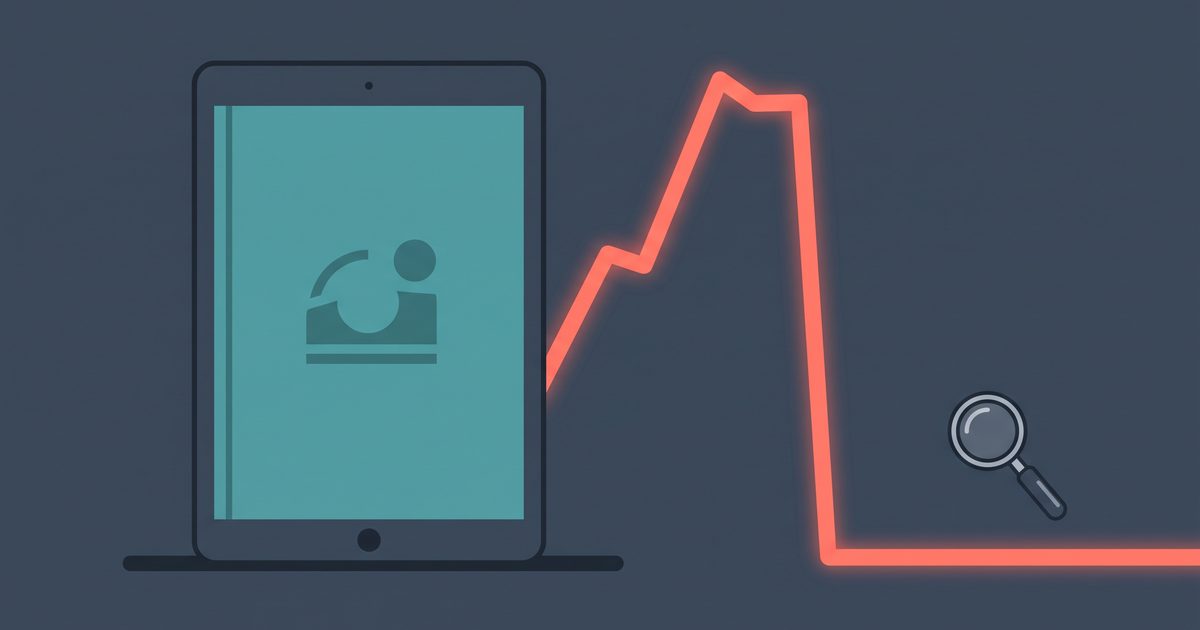
Your ebook was selling. Then it wasn’t, and the dashboard does not say why. This article is the diagnosis: five causes, checked in a fixed order, each with the one number that separates it from the others and the fix that follows. If the diagnosis ends with “you never built a channel”, the fix is in how to sell an ebook without ads; this piece is for figuring out which cause you are looking at.
I have been through this once with an ebook. I made an ebook and sold it with paid ads, and every time I paused the ads the orders stopped. Not dipped. Stopped. I eventually shut the ebook down, and the mistake I made was spending months assuming the book had a problem when what it lacked was an audience. That case is at the end of this article, because you should rule out the fixable causes first.
Run the checks in this order
The five causes are demand, discovery, offer, platform, and listing. Most articles on this topic list them as possibilities and leave you to guess. The order matters because each check is cheaper than the one after it, and because the symptoms overlap: a broken checkout and a dead topic both look like zero sales on a chart.
So run them top to bottom and stop at the first one that lights up. Fix that one thing, wait two weeks, and only then go to the next.
There is a cause zero that comes before the list. If your sales stopped on the same day you stopped paying for traffic, that is not a decay, a price problem, or a platform change. Skip to the last section.
What to check first, by where you sell
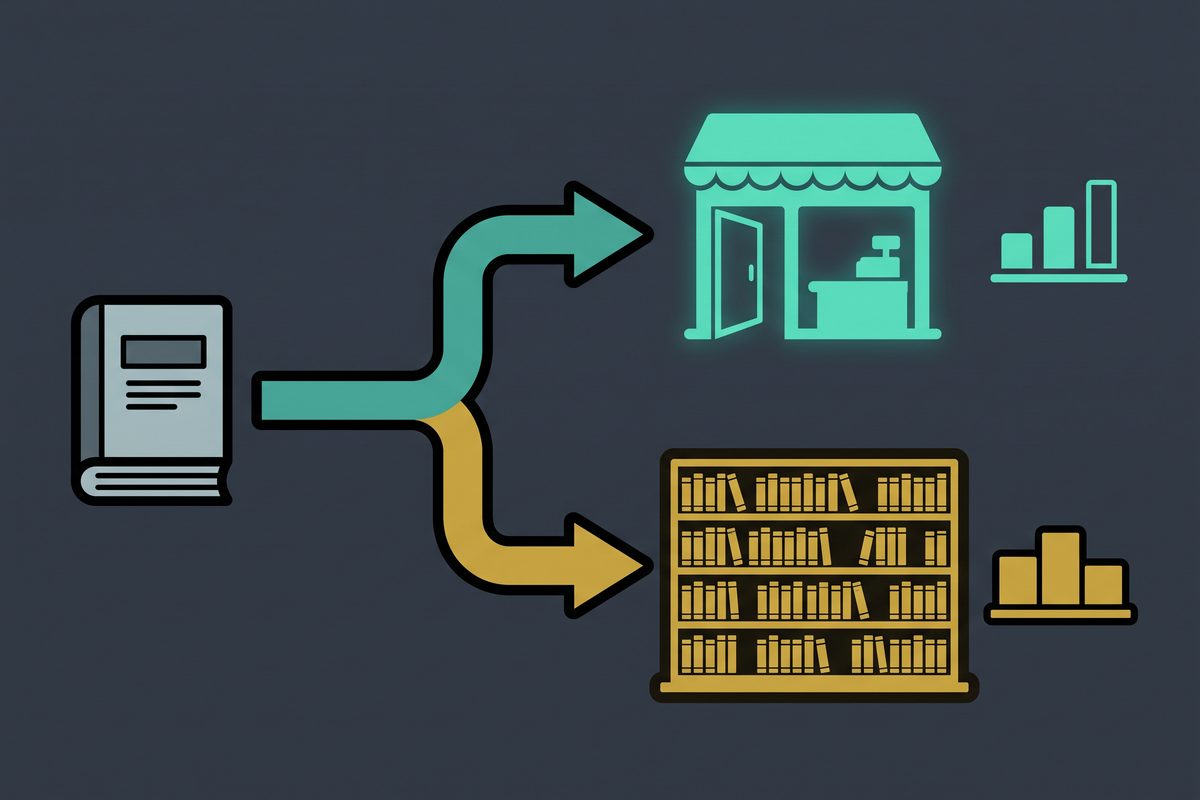
The data you have depends on where the book is sold, so the same cause has a different signal on a store you own than on a marketplace. The table below gives the screen to open and the value that decides it. KDP details come from the KDP help pages, checked in September 2026.
| Cause | Own site (Gumroad, Payhip, Lemon Squeezy, or your own checkout) | Marketplace (Amazon KDP) |
|---|---|---|
| Demand died | Search interest for the book’s topic on Google Trends, compared with the same window last year; autocomplete suggestions for the topic | Same Trends check, plus whether the top books in your category also show sinking Best Sellers Rank, since rank is relative to other books |
| Discovery died | Sessions to the sales page by source over 90 days; the source that fell is the channel that died | Best Sellers Rank trend for the ebook format specifically, since each format has its own rank; keyword and category fields, which you can edit at any time |
| Offer or price broke | Sales-page sessions steady, checkout completions down; any coupon or price you still advertise somewhere that no longer applies | List price still inside the band you chose: 70 percent requires $2.99 to $12.99 on Amazon.com since July 7, 2026, and 35 percent allows $0.99 to $200 for files under 3 MB |
| Platform or algorithm change | Payment processor status page; a redirect chain if you moved domains or store platforms; email delivery of the download link | Book status on the Bookshelf: only “Live” means it can be bought; “Blocked” or “Live - Updates in review” explains a cliff; KDP Select term auto-renewed or lapsed at the 90-day mark |
| Listing decay | Date of the newest review or testimonial; dates in the sales copy; links in old posts that point to a moved page | Date of the newest review; description still mentioning an old year; Sales and Royalties report’s KENP tab flat while orders were already low |
Two notes on reading it. On a store you own, the split between “sessions” and “checkout completions” is the single most useful pair of numbers, because it tells you whether the problem sits before or after the page. On KDP you do not get sessions, so rank stands in for traffic and the Sales and Royalties report, which separates paid units, free units, and refunds, stands in for conversion.
Cause 1: Demand died
Signal: interest in the topic itself fell, not just interest in your book.
This is the cheapest check and the one everybody skips because it feels insulting. Open Google Trends, type the plainest description of what the book solves, and compare the last 12 months with the 12 before. Then type the same phrase into the Amazon search box and into Google and look at what autocomplete offers. If the suggestions have shifted toward a neighboring problem, the market moved and your title stayed put.
Confirm it with the category. On KDP, rank is computed relative to other books, updated at least daily, with changes showing up within two days. If the books that used to sit above and below you have slid the same way, it is the shelf, not your book.
The fix is not marketing. If the neighboring question is close to what the book already answers, retitle and rewrite the description around that question and republish. If it is not close, this is the one cause where retiring the book is the right call, and the sooner the better.
Cause 2: Discovery died
Signal: fewer people reach the sales page, and the ones who do still buy at the old rate.

On your own store, pull sessions to the product page by source for the last 90 days and line the sources up. One of them fell off. That source is the answer: an article that lost its ranking, a video that stopped getting recommended, a newsletter you stopped sending, a partner who removed the link. You are not diagnosing the ebook; you are diagnosing that one channel.
On KDP, the rank trend for the ebook format is your traffic proxy. If rank has decayed slowly, check the seven keyword slots and the categories, because both can be changed as often as you like without republishing the manuscript. A keyword that matched what buyers typed a year ago may match nothing now.
Fix: rebuild the channel that died or replace it with one that accumulates. Which channels keep selling after you stop pushing is the whole subject of the no-ads ebook article, so I will not repeat the table here. The short version is that a channel with an index behind it, search, marketplace search, or a ranking video, recovers; a channel that was one person’s feed does not.
Cause 3: The offer or price broke
Signal: traffic to the page is steady and conversion dropped.
This is the only cause where the fix lives on the sales page, and it is the cause people jump to first without checking whether traffic actually held. Check traffic first. If sessions are flat and orders are not, then work through the page.
Price is the first suspect on Amazon because the rules moved this year. The 70 percent royalty option on Amazon.com requires a list price between $2.99 and $12.99 since July 7, 2026, up from a $9.99 ceiling, and the 35 percent option still runs from $0.99 to $200 depending on file size, as of September 2026. A book at $14.99 did not stop being purchasable, but a competitor who moved from $9.99 to $12.99 to capture the new band may now sit next to you with better presentation at a similar price. On a store you own, the equivalent check is whether you are still advertising a launch price or a coupon in an old post that no longer applies at checkout.
Then the description and the sample. Read the first screen of the description as a stranger. If it references a year, a version, or a tool that has changed, the reader assumes the whole book is stale.
Fix one variable, wait two weeks, then the next. Changing price, cover, and description in the same week means you will never know which one worked, and on KDP rank movement takes up to two days to appear anyway.
Cause 4: Platform or algorithm change
Signal: a cliff on a single day with no change on your side.

Forum threads blame “the algorithm” for every cliff. Before you do, run the mechanical checks, because most one-day cliffs have a boring explanation that lives in a status field.
On KDP, open the Bookshelf and read the status next to the ebook. The help page lists eight states, and only one of them, “Live”, means the book is available for purchase. “Blocked” means it failed content guidelines and cannot be edited. “Live - Updates in review” means a change you submitted is holding, and reviews cannot be expedited. Standard reviews take up to 3 business days. A book sitting in review after an update is not selling because nobody can buy it, and no keyword change will help.
Next, KDP Select. Enrollment runs in 90-day periods that renew automatically unless you opt out, and each period gives you up to 5 free-promotion days that do not carry forward. If your sales pattern was a free run followed by a paid bump, and the bump is missing, look at whether the term rolled over and you never scheduled the next promotion. If you left Select, the book also left Kindle Unlimited, so the KENP read tab in the Sales and Royalties report goes to zero by design, and the paid-units line is the only one that still means anything.
Then the report itself. Filter the Sales and Royalties report by marketplace and by title, because a “zero” that is really a filter set to one region or one format is a common false alarm.
On a store you own, the equivalent checks are: the payment processor’s status page for the day sales stopped, the download email actually arriving in a fresh inbox, and the old product URL redirecting correctly if you changed domain or store platform. A store move that left the sales-page link in your best-performing article pointing at a 404 produces exactly the cliff people blame on Amazon.
Fix: correct the mechanical failure, or open a support case using the exact status word from the help page. “My book says Blocked” gets a different queue than “my sales dropped”.
Cause 5: Listing decay
Signal: a slow slide over months, no single bad day.
Decay is the least dramatic cause and the most common on marketplaces. Nothing broke; the listing just got older while the category got newer. The checks are all dates. When was the last review? Does the description name a year? Does the cover still look like the books that currently rank in the category, or like the ones that ranked when you launched?
On a store you own, decay shows up as links. The article that sent buyers two years ago may still rank, but the button in it points at an old checkout, or the testimonial on the page is from someone whose situation has visibly changed.
Fix: put a 90-day refresh on the calendar. Update the description, replace the oldest testimonial, re-check the seven keywords, and if the cover no longer fits the shelf, commission a new one before spending anything on promotion. A refreshed listing is cheaper than any traffic you can buy for it.
The cause none of the checks catch: you never had an audience
Here is my ebook case, so you can see whether it is yours.
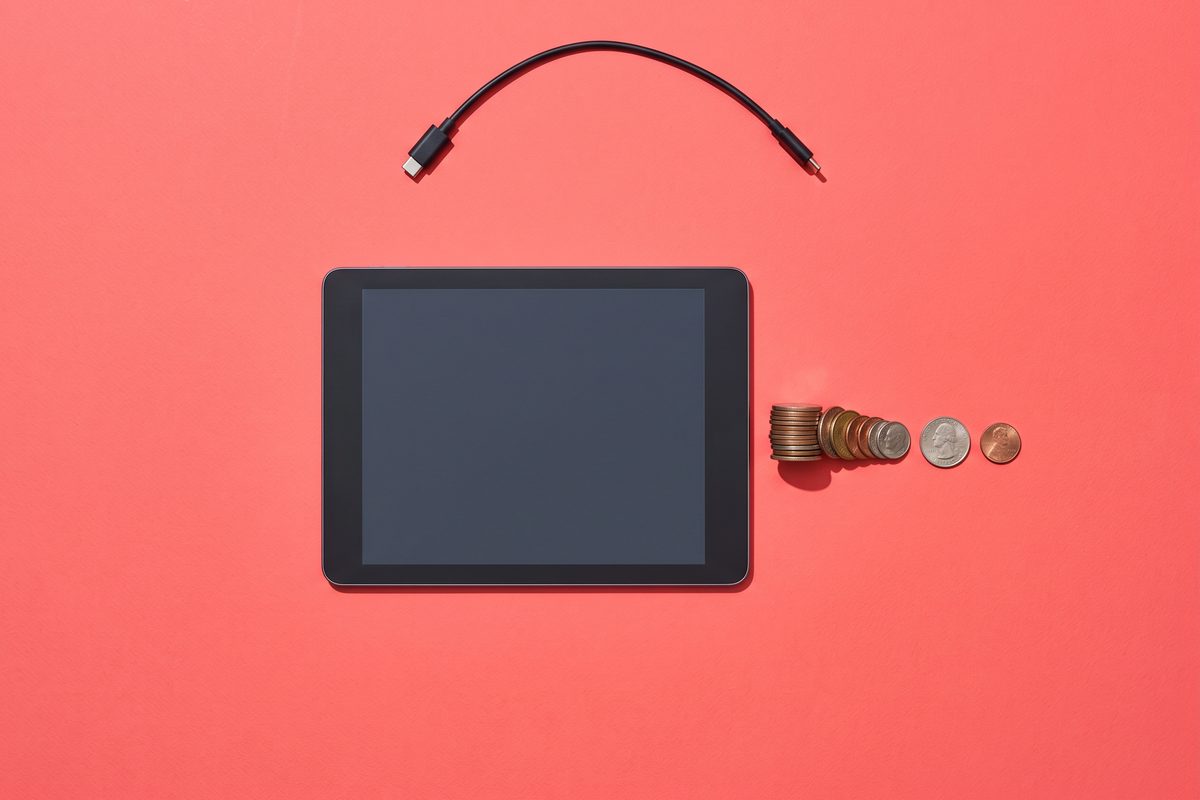
The ebook sold while ads ran. When I paused the ads, sales went to zero the same day, every time. Looking back, none of the five causes above explains it. Demand for the topic was there. The page converted fine when people reached it. Nothing on the platform side had changed. The listing was not the problem.
What I did not have was a single reader who would find the book without me paying for the click. No article ranking for the question the book answered. No list of past ebook buyers I could email. No video that surfaced it. The ads were not amplifying a channel; they were the channel, and the moment I stopped paying, the channel ceased to exist.
I kept the ebook alive longer than I should have, because a product that sells when you spend feels like a product that works. It is not. It is a media buy with a PDF attached. I shut the ebook down when I admitted that I was never going to build the audience for that topic, and the lesson carried over to everything I run solo now: audience first, then product. The YouTube channel I grew to over 130,000 subscribers works the opposite way, and that difference is the entire reason one of them still exists.
So the rule: if the checks come back clean and the sales still track your spend, you do not have a broken ebook. You have no owned audience, and the only fix is to build one. Start with a list, since it is the channel you control end to end; the email marketing guide for creators covers the tool choice, and the rest of the launch and growth articles assume you made that choice.
Tonight, open the column of the table that matches where you sell and run row one. If it is clean, keep going down. If all five come back clean, close the checklist and go build the channel.
Frequently asked questions
My Kindle ebook went to zero sales overnight. What do I check first?
Open the KDP Bookshelf and read the status word next to the title. Anything other than Live means buyers cannot complete a purchase, and the fix is on Amazon's side, not in your marketing. If it says Live, check the Sales and Royalties report by marketplace to confirm the zero is real and not a filter, then look at whether your KDP Select term rolled over and changed which promotions you had running.
Does leaving KDP Select make sales drop?
Leaving Select takes the book out of Kindle Unlimited and removes the free-promotion days, so the KENP read line in your report goes to zero and any paid bump that free runs used to spark will fade. Paid orders themselves are not switched off. If the drop lines up with the end of a 90-day term, that is the first thing to rule out.
Should I unpublish an ebook that stopped selling?
Not until you have run the five checks. Unpublishing erases the listing's rank history and reviews, which are the only assets a stalled book still has. Unpublish when demand for the topic itself has gone, or when the book only ever sold on paid traffic you are no longer willing to buy.
Will lowering the price restart sales?
Only if the diagnosis was the offer, meaning people still reach the page and stop buying. If traffic to the page has dropped, a lower price sells the same zero visitors for less. Check the traffic number before touching the price, and change one thing at a time so you can tell what worked.
How long should I wait before calling the ebook dead?
Give any fix you make two full weeks on a marketplace, since rank changes can take up to two days to show and buyers need time to find the updated listing. If you have run all five checks, made the fixes, and 90 days later there are still no sales that you did not personally push, treat it as a channel problem rather than a product problem.
Sources
- Amazon KDP — eBook list price requirements (Amazon.com)
- Amazon KDP — KDP Select enrollment details
- Amazon KDP — Sales ranking
- Amazon KDP — Make your book more discoverable with keywords
- Amazon KDP — Sales and Royalties report
- Amazon KDP — Book status
- Amazon KDP — Free Book Promotions
- Amazon KDP — KDP Select benefits
- Amazon KDP — Royalties in Kindle Unlimited
This article is general information based on the author's experience. It is not licensed financial, legal, or tax advice. See the editorial policy.