Notion vs Obsidian for Solopreneurs: Pick by the Job (2026)
Notion or Obsidian for a one-person business? Ten real jobs matched to the right app, prices checked October 2026, and how each fits Google Calendar and AI.

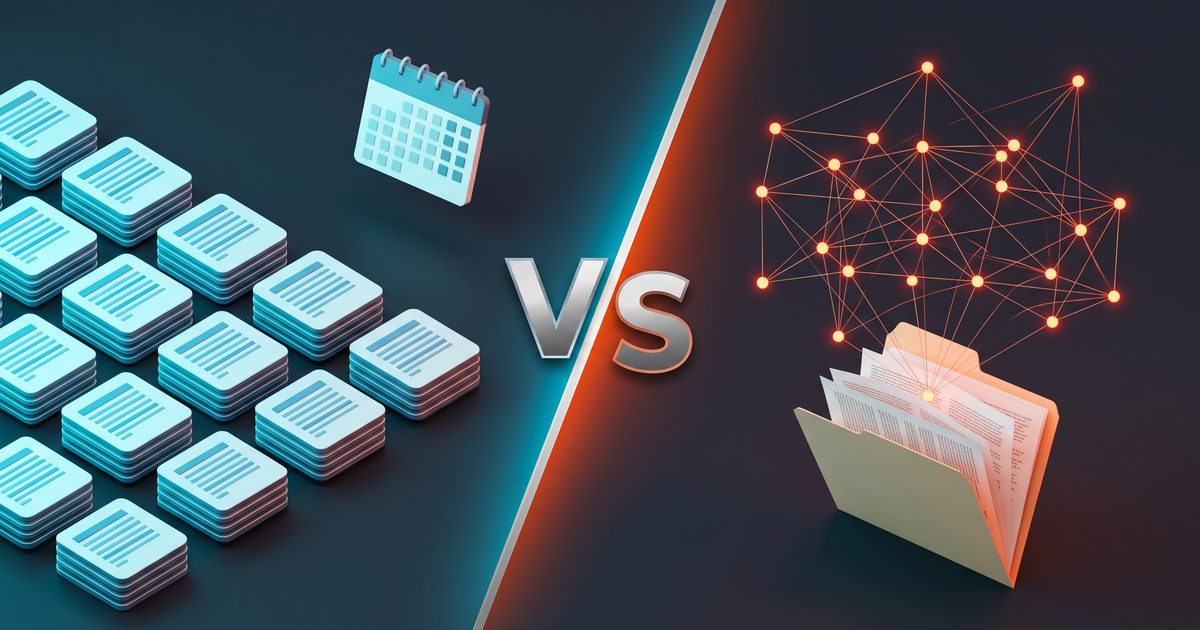
You keep switching note apps because neither Notion nor Obsidian is wrong, and every comparison treats you like a team of twelve. For a one-person business, the real question isn’t which app is better. It’s which app should hold each job you actually do every week, and what that costs in October 2026. This guide answers it job by job, with prices from both companies’ own pages, so you can make the call once and stop revisiting it.
Neither app is part of my own stack, so everything below about Notion and Obsidian comes from their documentation, pricing pages and user reports. Where I bring in my own setup, it’s about how I run several online businesses solo around Google Calendar and AI assistants, which is the test any note app has to pass.
The short answer
Pick Notion if most of what you track has a status, a due date or a price: content calendars, launch checklists, product lists, a simple sales pipeline. Its databases and its free calendar app do that work, and the Free plan lists unlimited blocks for a single user.
Pick Obsidian if most of what you produce is writing and thinking: research notes, scripts, newsletter drafts, a long-lived idea file. Your notes stay as Markdown files in a folder on your own machine, and the app is free for business use.
If you do both kinds of work heavily, run both. Give each job one home. That last rule matters more than the choice itself.
Notion vs Obsidian, job by job
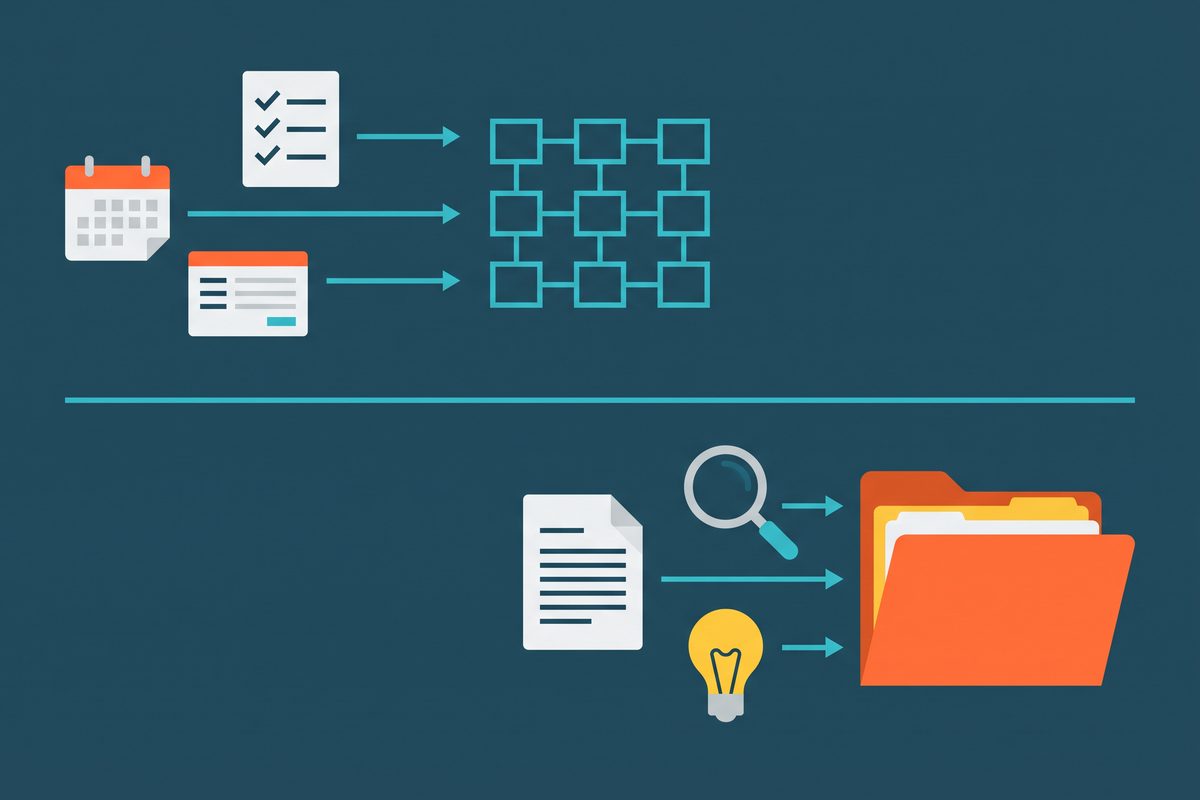
The table below maps ten jobs a solo operator really has to the app that fits, and to the plan or limit that decides it. Plan details were collected from the official Notion and Obsidian pages on October 19, 2026.
| Job in a one-person business | Better fit | Why | What decides it (as of October 2026) |
|---|---|---|---|
| Content calendar with statuses | Notion | Database views by date and status; dates show in Notion Calendar | Notion Calendar is free and can show dates from Notion databases |
| Launch or product tracker | Notion | Relations, properties, buttons | Free plan automations are buttons only; custom database automations start on Plus |
| Intake form (feedback, waitlist, sponsor inquiries) | Notion | Forms write straight into a database | Free has basic forms; custom forms on Plus, conditional logic on Business |
| SOP library you’ll reread for years | Obsidian | Plain files outlive any vendor | Notes are Markdown text files in a local folder |
| Research and swipe file | Obsidian | Fast local search, linking between notes | No plan needed; personal and commercial use are free |
| Long-form drafts (scripts, ebooks, newsletters) | Obsidian | Distraction-light editor, files you can open anywhere | Same Markdown files work in any editor |
| Simple tables over your own notes | Either | Obsidian Bases now gives table, list, cards, kanban and map views | Bases is a core plugin; the data stays in your Markdown files |
| Public help page, roadmap or link hub | Notion for speed, Obsidian for a real site | Notion pages can be shared; Obsidian Publish builds a site with custom domain and passwords | Publish is $8 per site per month billed yearly |
| Asking an AI assistant about your notes | Notion if you’ll pay for Business; Obsidian if your AI tool reads local files | Notion AI is a Business feature; Notion MCP lets outside AI apps in | Free and Plus get a limited AI trial only; MCP connects Claude, Cursor and ChatGPT Pro |
| Capturing ideas from your phone | Either, with a caveat for Obsidian | Notion syncs by default; Obsidian needs a sync method | Free iCloud sync is supported only between Apple devices |
Read the “what decides it” column first. It’s where the choice usually gets made, not in the feature lists.
Two different machines: a cloud workspace and a folder of files
Notion is a hosted workspace. Your pages, databases and files live on Notion’s servers, and the apps are windows into that account. Offline access exists but is partial: on Free you pick pages to download, and on Plus your recents and favorites download automatically.
Obsidian is the opposite design. A vault is just a folder on your computer, including subfolders, and every note is a Markdown text file inside it. Obsidian keeps its own settings, themes and plugins in a hidden .obsidian folder at the vault root. Delete the app tomorrow and the notes are still there, readable in any text editor.
That one difference explains most of what follows. Notion is better at things that need a server: sharing, forms, calendar sync, built-in AI. Obsidian is better at things that need permanence and speed.
Where Notion earns its place
Databases are the reason to choose Notion. A content calendar is a database with a date, a status and a channel property, and you can view the same rows as a board, a table or a calendar. For a solo operator juggling a newsletter, a product and a video schedule, that is the closest thing to an operations dashboard without building one.
The Free plan is more usable for one person than its name suggests. As of October 2026 it lists unlimited blocks for a solo user, 10 external guests, basic forms and one chart. The limits show up elsewhere: 5 MB per uploaded file and 7 days of page history. If you store video cuts, design files or big PDFs in your workspace, Free won’t hold them. Plus raises uploads to roughly 5 GB per file and history to 30 days.
Calendar is the second strong argument. Notion Calendar is a free app that syncs Google, Outlook and iCloud calendars, and once your workspace is linked, dated items from a Notion database show up as events. You can also attach or create a Notion page from inside an event. If you already book calls through a scheduler, our guide to scheduling tools for solopreneurs covers that side.
The weak spot is AI pricing. Notion’s own help center says Notion AI is available on Business and Enterprise, while Free and Plus users get a limited number of complimentary responses. If you choose Notion mainly for AI, you’re choosing the $20 tier, not the $10 one.
Where Obsidian earns its place
Obsidian’s case is ownership. Your SOPs, research and drafts are text files in a folder you control, which means any backup tool, any editor and any script can work with them. For notes you expect to reread in five years, that’s the safer bet.
The licence question is settled, and plenty of older articles still get it wrong. Obsidian’s license terms, last updated February 20, 2025, say the app is free for all purposes, personal, commercial and non-profit. The $50-per-user yearly commercial license is optional, a way to support the company.
Obsidian also closed part of the database gap. Bases is a core plugin that builds database-like views of your notes, with table, list, cards, kanban and map layouts, and the data stays in your Markdown files and their properties. It won’t replace Notion’s forms or calendar sync. It does mean a book list, a product inventory or a simple content log no longer forces you into Notion.
The cost is setup. Obsidian gives you a blank vault and leaves the structure to you. If you enjoy designing a system, that’s a feature. If you want something working by Friday, it’s friction.
What one person actually pays, October 2026
Most comparisons list plan prices without saying which ones a solo operator would actually buy. The table below prices the realistic setups for one person, collected from the official pricing and help pages on October 19, 2026.

| Setup for one person | Monthly cost | Billed yearly | The limit you’ll hit |
|---|---|---|---|
| Notion Free | $0 | $0 | 5 MB per file, 7-day page history, AI trial only |
| Notion Plus | $10 listed per member | Up to 20% off yearly | Notion AI still trial-only |
| Notion Business (for Notion AI) | $20 listed per member | Up to 20% off yearly | AI usage allowance is included, but premium models use Notion credits |
| Obsidian, no add-ons | $0 | $0 | You handle sync yourself |
| Obsidian + Sync Standard | $5 | $4/month | 1 GB total, 5 MB per file, 1 synced vault, 1 month of history |
| Obsidian + Sync Plus | $10 | $8/month | 10 GB (upgradable to 100 GB), 200 MB per file, 10 vaults, 12 months of history |
| Add Obsidian Publish | +$10 per site | +$8/month per site | One site per subscription |
| Optional Obsidian commercial license | n/a | $50 per user per year | Not required for business use |
Notion’s pricing page lists Plus at $10 and Business at $20 per member a month and says yearly billing saves up to 20%, but it doesn’t label which billing period the headline figure assumes. Check the toggle at checkout before you commit to a year.
The practical read: a solo writer on Obsidian with Sync Standard pays $48 a year. A solo operator who wants AI inside Notion pays the Business rate. Everything in between depends on whether your notes include large files.
Fitting it next to Google Calendar and an AI assistant
This is the test none of the big comparisons run, and for a one-person business it’s the one that matters most. My working day is planned in Google Calendar, with Claude, GPT and Hermes open beside it for drafting, planning and review. A note app that can’t talk to either of those becomes a third place to check, and with several businesses running solo, a third place means things get missed.

So the questions I’d ask of any note app are blunt. Can Google Calendar, or a calendar that syncs with it, see the dates I put in my notes? And can an AI assistant like Claude read those notes without me copying and pasting them every morning?
Notion answers both on paper. Notion Calendar syncs with Google Calendar accounts and shows dates from your Notion databases. For AI, Notion MCP lets outside assistants, including Claude, Cursor and ChatGPT Pro, read from and write to your pages. One warning from Notion’s own docs: MCP tools act with your full Notion permissions and can access everything you can. Connect one workspace you’re comfortable exposing, not your whole life.
Obsidian answers differently. It doesn’t ship a calendar connection of its own, so dates in your notes stay in your notes unless you add a community plugin. On the AI side, though, a folder of plain Markdown files is about the easiest thing there is to hand an assistant. A desktop AI tool that can read local files, or a simple export of one folder, gives Claude the raw text with no connector to configure.
My rule from running the day this way: whatever owns dates should sync with Google Calendar, and whatever owns thinking should be readable by the AI assistant in one step. For a deeper look at the assistant side, see Claude templates for business operations and the AI weekly business review routine.
Syncing Obsidian for free: what the docs actually support
The most common Obsidian regret is a broken free sync. Obsidian’s own help pages are frank about which routes work.
- iCloud is supported for syncing vaults between iPhone and Mac, but iCloud Drive on Windows can duplicate or corrupt files.
- Google Drive is not officially supported for Obsidian vaults, and neither is OneDrive on iOS.
- Git gives version control, but you push and pull by hand.
- Syncthing works best when one device is always on.
- Never sync one vault through two services at once, for example Obsidian Sync plus iCloud.
If you’re all-Apple, iCloud is fine and free. If you mix Windows and iPhone, pay for Sync Standard and stop experimenting. Losing a month of notes costs more than $4 a month.
Leaving later: what export really gives you
Lock-in is cheap to check before you commit and expensive after. Obsidian’s exit cost is close to zero, because the vault already is the export: a folder of Markdown files.
Notion’s exit is decent but lossy. A full workspace export produces HTML, or Markdown with databases as CSV files. Only the current or default view of a database exports, not all views at once. Exporting a page as PDF with its subpages included needs a Business or Enterprise plan.
For a content calendar, that’s fine; a CSV is enough to rebuild it anywhere. For a heavily linked wiki of SOPs, expect cleanup work. That’s one more reason to keep long-lived reference notes as plain files.
Running both without double entry
A split setup works when the boundary is a rule, not a mood. Here’s the one that holds up for a solo business:
- Anything with a date, status or price goes in Notion.
- Anything you write or think through goes in Obsidian.
- When a draft ships, the Notion row gets a link or a file path to it. The text itself never moves.
Don’t mirror notes between the two. The moment you’re copying the same paragraph into both apps, you’ve built a second job for yourself. If you’re still assembling the rest of your tools, the tool stack category and our roundup of AI tools for solopreneurs cover the other pieces.
Your next step: write down the three jobs from the use-case table you do every single week, and count which app wins two of the three. Set up only that app this week, move only those three jobs into it, and don’t touch the other app for 14 days.
Frequently asked questions
Do I need to buy an Obsidian commercial license for my business?
No. Obsidian's license terms, last updated February 20, 2025, say the app is free for all purposes, including commercial use. The commercial license ($50 per user per year as of October 2026) is optional and exists to support the company. Older articles that call it mandatory for businesses are out of date.
Is Notion AI included in the Plus plan?
Not fully. As of October 2026, Notion's help center says Notion AI is available on the Business and Enterprise plans. Free and Plus users get a limited number of complimentary AI responses to try it. If AI inside your notes is the reason you're choosing Notion, budget for Business, listed at $20 per member a month.
Can I use Notion and Obsidian together?
Yes, and for a solo business that's often the cleanest setup, as long as each job lives in exactly one app. Put anything with a status or a date (content calendar, launch tracker) in Notion. Put thinking and drafts in Obsidian. The failure mode is copying the same note into both.
Can I sync Obsidian between my phone and computer for free?
Sometimes. Obsidian's help docs say iCloud works for syncing vaults between iPhone and Mac, but warn that iCloud Drive on Windows can duplicate or corrupt files, and that Google Drive and OneDrive aren't officially supported on iOS. On mixed devices, Obsidian Sync Standard is the supported route, $4 a month billed yearly as of October 2026.
Is Notion's free plan enough for one person?
For many solo operators, yes. As of October 2026 the Free plan lists unlimited blocks for a single user. The limits you'll feel are 5 MB per uploaded file, 7 days of page history, one chart, and button-only automations. If you upload video or large PDFs, Plus removes the 5 MB cap.
Sources
- Notion pricing
- What is Notion AI? FAQs — Notion Help Center
- Notion Calendar
- Notion Calendar connections & API — Notion Help Center
- Getting started with Notion Calendar — Notion Help Center
- Connect AI tools with Notion MCP — Notion Help Center
- Export your Notion content — Notion Help Center
- Obsidian pricing
- Obsidian license terms
- Obsidian Sync
- Sync plans and storage — Obsidian Help
- Obsidian Publish
- How Obsidian stores data — Obsidian Help
- Bases — Obsidian Help
- Sync your notes across devices — Obsidian Help
This article is general information based on the author's experience. It is not licensed financial, legal, or tax advice. See the editorial policy.