An AI Workflow for YouTube Scripts: 5 Prompts You Can Copy
A five-prompt chain for YouTube scripts, from research brief to title hand-off, plus what YouTube's help pages say about AI disclosure and monetization.

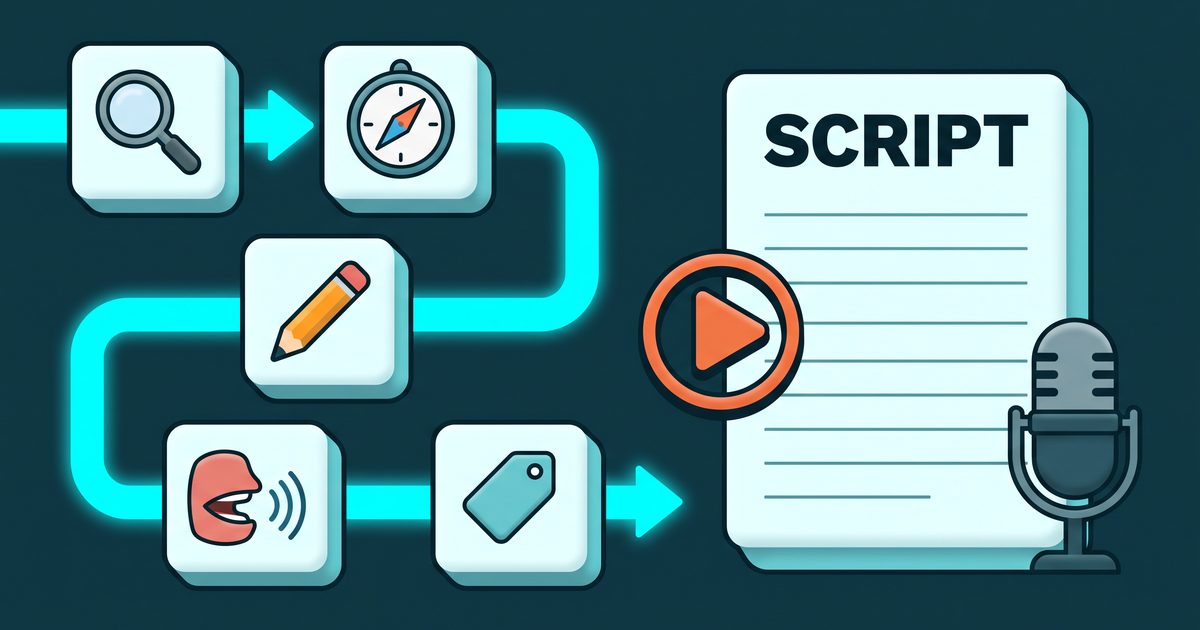
Ask an AI assistant to “write a YouTube script about X” and you get something tidy that you would never say out loud. The fix is not a cleverer prompt. It is five small prompts run in order, each one feeding the next, with you checking the output between steps. All five are below in full, along with the list of jobs that stay yours and what YouTube’s own help pages say about AI-assisted scripts.
Why one big prompt gives you a script nobody would say
A single prompt asks the model to do five jobs at once: research the topic, choose an angle, structure the video, write spoken lines, and package it with a title. It does all five at an average level, because nothing in the request tells it what you think or how you talk. You then spend the time you saved rewriting.
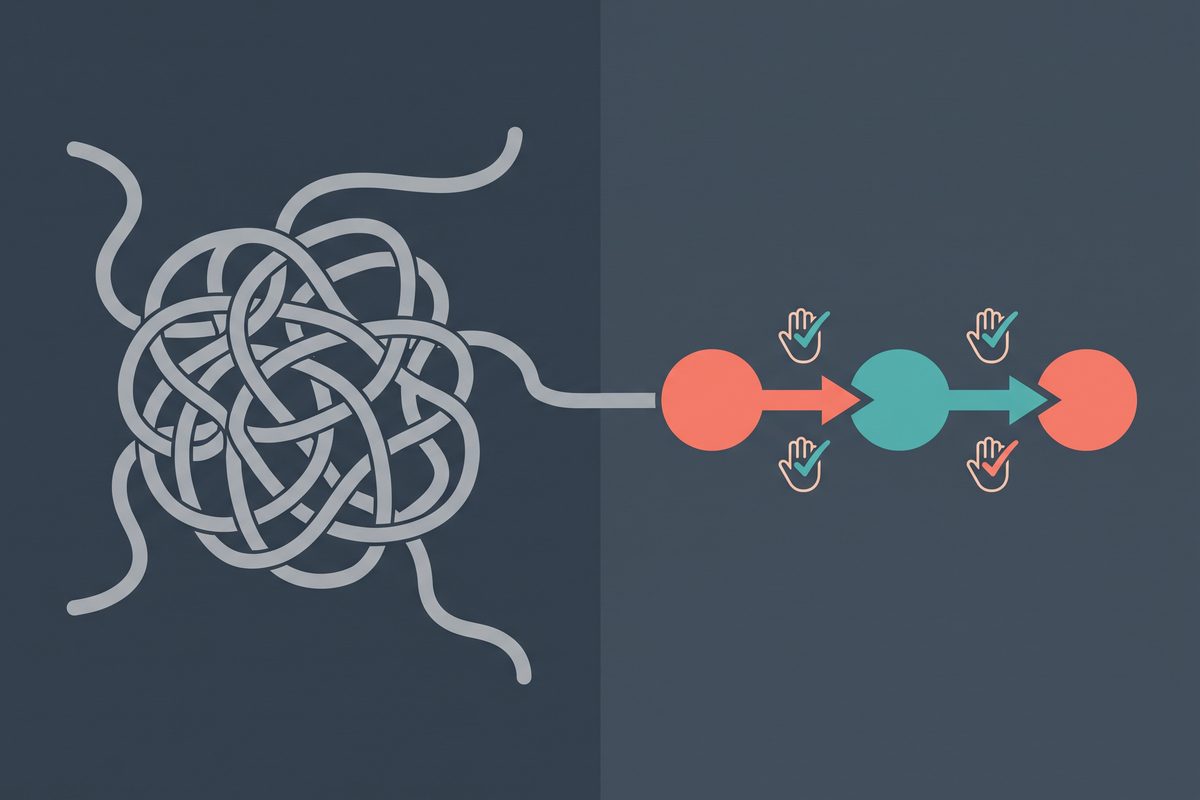
Splitting the work changes what you can control. After the research step you can throw out a claim that is wrong. After the outline step you can pick the angle that matches what you believe. By the time the model writes actual sentences, most of the decisions that make a video yours have already been made by you.
I grew a YouTube channel past 130,000 subscribers as a one-person operation, and I handled the shooting, the editing and the uploading alone. Today I use Claude, GPT and Hermes every day, video scripts included, and this chain is how I use them for that job. The rest of my stack is in the AI tools I’d pick as a solopreneur, and the wider set of processes lives under AI workflows.
One chat thread, five prompts. Keep them in the same conversation so each step can see the last.
Before you start: two things the model cannot invent
The first is a voice sample. Take a transcript of yourself talking, not writing: the auto-captions from one of your own videos, or a two-minute voice memo run through any transcription tool. Three hundred to five hundred words is plenty. Leave the filler words in. They are part of how you sound.
The second is your rough notes. Five to ten lines on what you think about the topic, what you have tried, where you disagree with the usual advice. Bad grammar is fine.
If you skip the notes, skip the workflow. A model without your opinion can only hand you the average of everyone else’s, and an average is exactly what a viewer clicks away from.
Prompt 1: the research brief
This is the first of five prompts that form a copy-paste template. Replace the brackets, keep the rest.
You are helping me prepare a YouTube video. Do not write any script yet.

Topic: [TOPIC]
Viewer: [WHO THEY ARE, WHAT THEY ALREADY KNOW, WHAT THEY ARE STUCK ON]
My rough notes (my real opinions and experience, use them as the spine):
[PASTE NOTES]

Produce a research brief with these parts:
1. The question this viewer is really asking, in one sentence, in their words.
2. The 5 to 8 sub-questions a good video would have to answer, in the order a confused person would ask them.
3. What most videos on this topic already say. Be blunt. I want to avoid repeating it.
4. Where my notes disagree with or add to that common advice.
5. CLAIMS TO VERIFY: a numbered list of every fact, number, date, price, or policy you relied on above. For each, say what kind of primary source would confirm it. Do not present anything in this list as confirmed.
6. Three things you are unsure about or could not know.

Plain language. No script lines, no hooks, no titles.
Part five is the one that matters. Language models state invented numbers with the same confidence as real ones, and a wrong figure said on camera cannot be patched once the video is up. Open each item in the list against a primary source: the official documentation, the vendor’s own pricing page, the original study. What you cannot confirm comes out of the brief before the next step.
Do this verification yourself. It is the least delegable job in the chain.
Prompt 2: angle and outline
Using the research brief above (I have removed or corrected the claims I could not verify: [LIST CHANGES OR "none"]), propose 3 different angles for this video.

For each angle give:
- The promise to the viewer in one plain sentence ("By the end you will be able to...").
- Who it is for and who it is not for.
- Which of my notes it leans on most.
- The strongest objection a skeptical viewer would raise.

Then stop and wait for me to choose.

After I choose, write an outline:
- Opening: the first thing I say, as a description not a line, and why a viewer would stay.
- 4 to 7 sections. For each: its one job, the example or story from my notes it uses, and what the viewer knows at the end that makes the next section necessary.
- Ending: what the viewer should do next. One action.
- Flag any section where I have given you no example of my own. I will supply one or cut the section.

Target length: about [N] minutes. I speak at about [MY WORDS PER MINUTE] words per minute.
Choose the angle yourself, and choose the one you would defend in the comments. If all three feel wrong, your notes were too thin; add to them and run it again.
For the words-per-minute slot, do not borrow a figure from a blog post. Read a page of an old script aloud with a timer running and divide. Your own pace is the only one that predicts your runtime.
Sections flagged as having no example of yours deserve a hard look. A section that stands only on general knowledge is usually the stretch where the video starts to sound like every other video. Supply the example or cut it.
Prompt 3: the draft, in your voice
Now write the script from the outline I approved.

Here is a transcript of me talking. This is my voice. Match its sentence length, its vocabulary, how I start sentences, and how I move between ideas. Do not copy its content.
[PASTE VOICE SAMPLE]

Rules:
- Write for the ear. Short sentences. Contractions. One idea per sentence.
- Use only facts from the verified brief and my notes. If you need a fact you do not have, write [NEED: what is missing] instead of inventing it.
- No greeting, no "in this video", no request to like or subscribe in the opening.
- Do not use any word I would not say. If my sample never uses a word like it, leave it out.
- Put visual notes on their own line in square brackets, for example [SCREEN: settings page] or [B-ROLL: desk].
- Where the outline uses one of my stories, leave a marker [MY STORY: topic] and two lines of setup. I will tell it in my own words.
- At the end, list every sentence that contains a factual claim so I can check them once more.

Write section by section. After each section, stop and ask me whether to continue or revise.
The story markers are deliberate. The model was not there, so any version it writes of your experience is fiction with your name on it. Tell those parts from memory when you record.
Writing section by section is slower than one long generation and worth it past the five-minute mark. Long outputs drift: the voice match fades and the last third turns into a list. When a section comes back flat, say what is wrong in plain terms (“too formal”, “I’d never open with a question”) and have it redo only that section.
Both Claude and ChatGPT will run this step. They fail differently, which I covered in Claude vs ChatGPT for business writing, and the three-way version with Gemini is in ChatGPT vs Claude vs Gemini for solopreneurs. The voice sample does more for the result than the choice of model does.
Prompt 4: the read-aloud edit
Print the draft or put it on a second screen. Stand up. Read it out loud at the speed you talk on camera, and mark every line where you stumble, run out of breath, or hear yourself say something different from what is written.
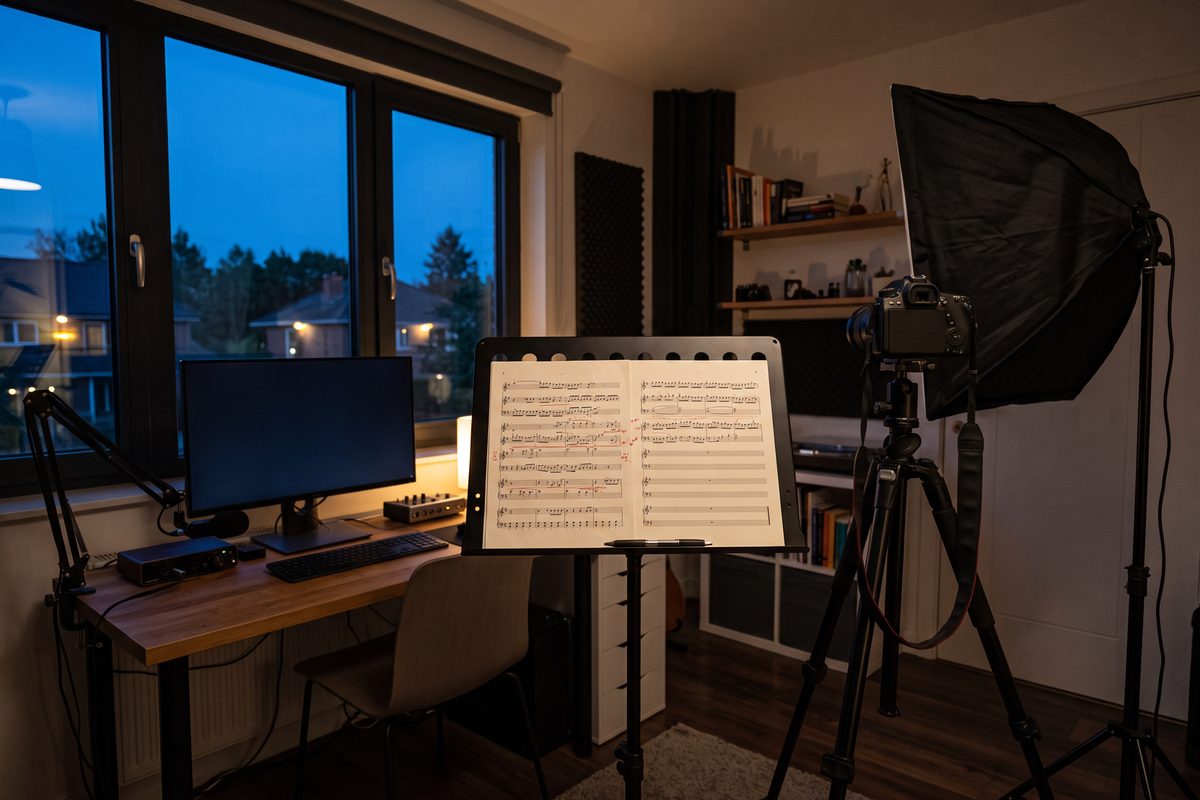
I read every script aloud before I record. The reason is practical. A line that trips my tongue at the desk will trip it again on camera, and then it costs a retake during the shoot and a cut to hide in Final Cut afterward. Two minutes with a pen is cheaper than either.
Silent reading does not count. Eyes forgive what the mouth will not.
I read the script aloud. Below are the lines I marked, each with what went wrong.
Codes: STUMBLE = hard to say. BREATH = too long for one breath. FAKE = I would not say this. SAID = I said something different out loud (my spoken version follows).

[PASTE MARKED LINES WITH CODES]

For each marked line:
- If SAID is given, use my spoken version, tidied only enough to be clear.
- Otherwise offer two rewrites that keep the meaning, are shorter, and match the voice sample.
- Change nothing I did not mark.

Then tell me:
- The current word count and estimated runtime at [MY WORDS PER MINUTE] words per minute.
- If I am over [N] minutes, which whole section you would cut first and why. Suggest cutting sections, not trimming words everywhere.
- Any two sentences in a row that start the same way.
When your mouth and the page disagree, the mouth wins. Whatever you blurted out while stumbling is nearly always closer to your voice than anything the model will offer as a rewrite.
This pass is the spoken cousin of the one I run on written drafts, laid out in how to make AI writing sound human. Same principle, different sense organ.
Read it aloud once more after the fixes. A clean run from top to bottom means the script is ready.
Prompt 5: title and description hand-off
The script is final. Here it is:
[PASTE FINAL SCRIPT]

Write the packaging, under these constraints:
- Every title must promise only what the script delivers. For each title, quote the script line that pays it off. If no line pays it off, discard the title.
- 8 title options under 70 characters, in three styles: plain and searchable, curiosity, and outcome.
- A description: the first two lines say what the viewer gets and for whom, in plain words. Then a short summary. Then a chapter list in the format 00:00 Title, starting at 00:00, one per script section, with placeholder times I will correct after editing. Then a line reading [LINKS] where I will add my own.
- 3 ideas for thumbnail text, 4 words or fewer each, that do not repeat the title.
- A list of every tool, person, or source named in the script, so I can credit and link them.

Do not invent statistics or results for the description.
The pay-off rule is there for two reasons. Viewers who feel tricked leave, and YouTube’s spam policy bans malicious clickbait, meaning misleading titles, thumbnails, or descriptions used “to trick users into clicking on a video that does not deliver what was promised”. Models asked for “high-CTR titles” drift toward exactly that. Make the title answer to the script.
Two platform facts to keep the output usable. A description can hold a maximum of 5,000 characters. For chapters to appear, the first timestamp has to be 00:00, the list needs at least three timestamps in ascending order, and each chapter must run at least 10 seconds. The chapter times the model gives you are placeholders; fix them against the finished edit.
What YouTube says about AI-assisted scripts
Most articles on this subject answer the policy question from memory. The table below comes from two YouTube Help pages, read on September 21, 2026.

| Situation | Disclosure at upload? | What the help page says |
|---|---|---|
| AI helped with the outline, script, title, or thumbnail | No | Listed under production assistance that does not require disclosure |
| AI helped with ideas or captions | No | “Idea generation” and “caption creation” are both on the no-disclosure list |
| You cloned your own voice for a voice-over or dub | No | “Cloning one’s own voice to create voice overs or dubs” is on the same list |
| The video makes a real person appear to say or do something they didn’t | Yes | Named as content that must be disclosed |
| The video alters footage of a real event or place, or shows a realistic scene that did not happen | Yes | Named as content that must be disclosed |
So a script written with this chain, recorded by you, needs no label. The setting sits in the upload flow in YouTube Studio: in the Attributes section, under “AI use,” you pick Yes or No. Answer it for what is on screen and in the audio, not for how the words got drafted.
If a video does need the label, the same page says disclosing “won’t limit a video’s audience or impact its eligibility to earn money”. Not disclosing is the risk. Creators who consistently skip it may face a label applied by YouTube, removal of content, or suspension from the YouTube Partner Program.
Monetization is a separate page with a separate test. On July 15, 2025, YouTube renamed its “repetitious content” policy to “inauthentic content”. The channel monetization policies say content should not be “mass-produced, generic, repetitive, or manipulative,” and they list “AI-generated content made with generic or unoriginal templates giving the impression of mass production” as ineligible. The same page gives an allowed example that is this workflow almost word for word: “using AI to edit your video scripts”.
The line the policy draws is not AI versus no AI. It is one template stamped across a hundred videos versus a video with a point of view. Your notes, your stories and your checked facts are what keep a script on the right side, which is a good reason not to skip them even on a busy week.
Policies change. Reread both pages before you rely on this section a year from now.
What you still have to do yourself
A checklist for every script. None of it can be handed to the model.
- Choose the topic, and know why you are the one making this video.
- Write the rough notes: your opinion, your example, the thing you got wrong the first time.
- Check every item under “claims to verify” against a primary source, and delete what you cannot confirm.
- Pick the angle. If you would not defend it in the comments, it is the wrong one.
- Tell your own stories from memory at the [MY STORY] markers.
- Read the full script out loud, standing, at camera pace, and mark it.
- Time your own read and cut whole sections, not syllables, to hit your length.
- Check that the title you pick is paid off by a line in the script.
- Answer the “AI use” question at upload for the video as published, and refresh your voice sample when the way you talk on camera changes.
Nine items, and most of them happen away from the chat window. That ratio is about right. The model is quick at structure and tireless at rewrites; it has no opinions, no memories, and no way to know whether a sentence fits in your mouth.
Record a two-minute voice memo today about the next video you plan to make, transcribe it, and run Prompts 1 and 2 on it before you close the laptop.
Frequently asked questions
Do I have to disclose that AI helped write my YouTube script?
No. YouTube's help page on GenAI disclosure lists production assistance, including using generative AI to create or improve an outline, script, thumbnail, or title, among the things that do not need disclosure. The disclosure question at upload is about realistic altered or synthetic content in the video itself, such as making a real person appear to say something they did not say.
Can an AI-assisted script get my channel demonetized?
Not by itself. YouTube's channel monetization policies give using AI to edit your video scripts as an example of allowed creative-tool use. What the same page rules out is mass-produced or repetitive content, including AI-generated content made with generic or unoriginal templates. A script built from your own notes, checked by you, and recorded in your voice is on the allowed side of that line.
Which AI model should I use for YouTube scripts?
Any current chat assistant that can hold a long conversation will run this chain, because the quality comes from what you paste in: your notes, your voice sample, and your read-aloud marks. Run the third prompt in two assistants on one real script and keep whichever draft needs fewer fixes when you read it out loud.
How long should the script be for a ten-minute video?
Measure your own pace instead of trusting a generic words-per-minute figure. Read one page of an old script aloud with a timer, divide the words by the minutes, and use that number in the prompts. A careful speaker and a fast talker will get very different runtimes from the same page.
Sources
This article is general information based on the author's experience. It is not licensed financial, legal, or tax advice. See the editorial policy.