Best AI Planner for Solopreneurs: 8 Options Compared (2026)
Motion, Reclaim, Sunsama, Akiflow, Morgen, Notion Calendar and Google Calendar with Gemini, compared by solo workflow, free tier and price as of October 2026.

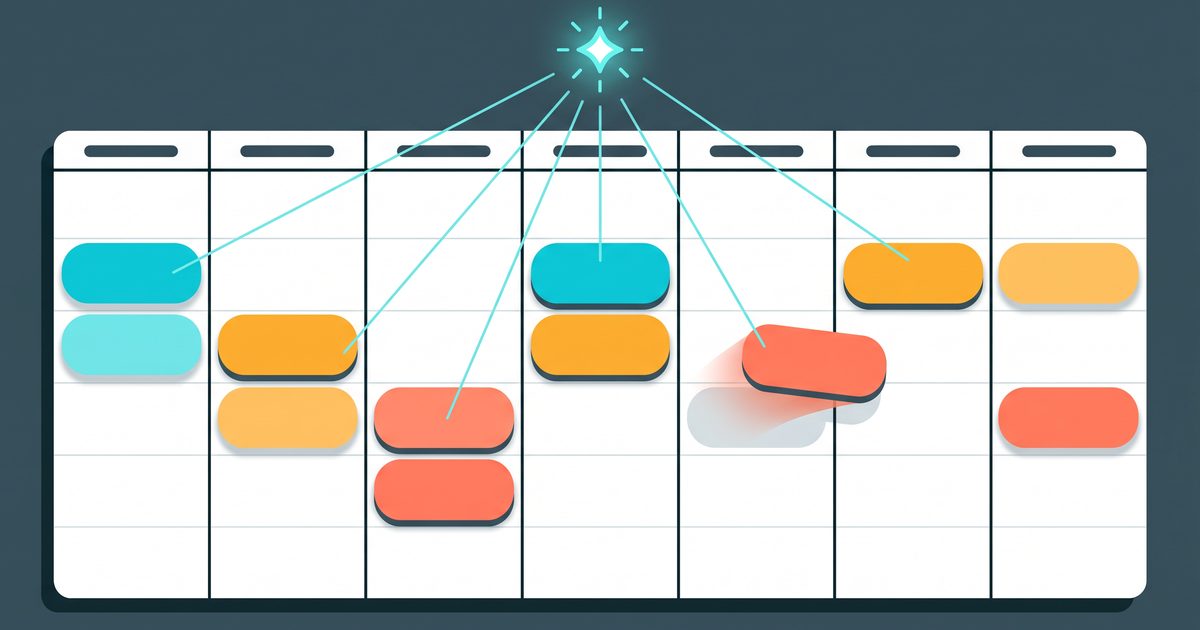
You run the whole business yourself, so every hour on the calendar is fought over by sales, content, support and whatever broke this morning. This guide settles which AI planner fits a one-person business, or whether you need one at all, with every price checked on the vendors’ own pages on October 26, 2026. By the end you’ll know which of eight options matches the way you actually work, and what it costs after the trial.
One boundary first. This is about planning your own time. Letting other people book you is a different tool, covered in the best scheduling tools for solopreneurs.
The short answer
Most solo operators should start with the calendar they already have plus an AI assistant, and pay for a planner only when tasks reshuffle faster than they can drag blocks around.
- Free and already on Google Calendar: Google Calendar with the Gemini app, or a chat assistant that reads your calendar.
- Want habits and focus time defended automatically: Reclaim. It has a free tier.
- Want the app to schedule every task and project for you: Motion.
- Want a calm daily planning ritual, no autopilot: Sunsama.
- Work arrives from email, Slack and five task apps: Akiflow.
- Want AI to propose a plan you approve, across several calendar accounts: Morgen.
- Already run your notes in Notion: Notion Calendar, free, no AI scheduling.
For the rest of a solo AI stack, from writing to bookkeeping, see the best AI tools for solopreneurs.
The comparison table (checked October 26, 2026)
Prices are the lowest paid tier for one person, taken from each official pricing or help page on October 26, 2026. “Who moves the blocks” is the question that decides most purchases, so it gets its own column.
| Tool | Fits this solo workflow | Who moves the blocks | Free tier | First paid price (as of Oct 2026) | Calendars |
|---|---|---|---|---|---|
| Google Calendar + Gemini app | Already on Google, light planning | You, or Gemini on request | Calendar is free | Not needed for basics | |
| Claude (Calendar connector) | Planning the week in a chat | You (docs: read-only; help center: can edit) | Depends on Claude plan | Claude plan pricing | |
| Notion Calendar | Notes and docs live in Notion | You | Yes, free with Notion | Not needed for Calendar | Google, Outlook, iCloud |
| Reclaim | Defending habits and focus time | Reclaim, automatically | Lite: 1-week range, 1 calendar sync | Starter $10/seat/mo yearly, $12 monthly | Google, Outlook |
| Motion | Tasks and projects scheduled for you | Motion, automatically | No; free trial | Pro AI listed at $19/seat/mo | Google, Outlook, iCloud (limited) |
| Sunsama | A deliberate daily planning ritual | You, guided | No; 14-day trial | $17/mo yearly, $22 monthly | Google, Outlook, Apple |
| Akiflow | Tasks scattered across many inboxes | You, with AI help | No; 7-day trial, card required | $19/mo yearly, $34 monthly | Google, Outlook, iCloud |
| Morgen | AI proposes, you approve | Morgen, after your approval | No; 14-day trial | $15/mo yearly, $30 monthly | Google, Outlook, Apple, Fastmail |
Two cells need a caveat. Motion’s pricing page shows $19 per seat a month and a “save 33%” annual toggle, but doesn’t spell out which billing cycle the $19 belongs to. Check the checkout screen before you commit. And Sunsama’s own pricing page still carries an older $20/$25 line in its FAQ, while its plan card and help center both say $17 and $22.
Auto-schedulers vs planners that ask first
Every tool here falls on one side of a line. Either it moves your blocks for you, or it suggests and waits.
Motion and Reclaim are on the automatic side. Motion’s help docs describe auto-scheduling that orders tasks by priority, deadline, effort and dependencies, then keeps rearranging as meetings and deadlines change. Reclaim does the same for habits, tasks and a focus-time goal, inside your existing Google or Outlook calendar.
Morgen and Sunsama sit on the other side. Morgen’s AI Planner builds a plan for one to seven days, but schedules it only after you approve. Sunsama is built around a morning planning session where you pick the day’s tasks and timebox them yourself.
Here is the honest test. If you open your calendar on Wednesday and find blocks you didn’t put there, will you feel relieved or lose track of your day? Relieved means automatic. Lost means a planner that asks first.
Do you need a planner app if you already use Google Calendar and an AI assistant?
Often, no. I run several online businesses alone on Claude, GPT, Hermes and Google Calendar, and none of the paid planners above is part of that setup.
Google Calendar is the backbone. Calls, publishing deadlines and the blocks for focused work all go there, and each event title starts with the name of the business it belongs to. That one habit makes the calendar readable by an AI later.
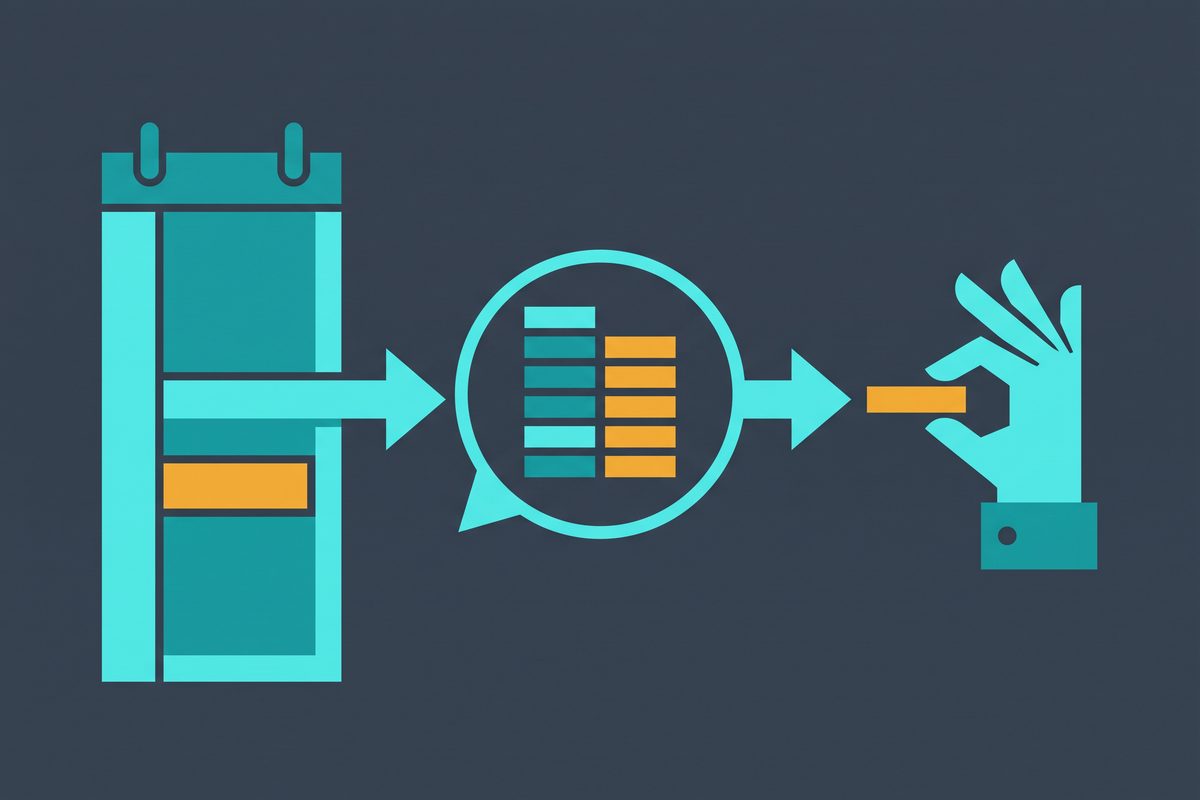
The AI does the planning, not the placing. When I plan a week, I give Claude or GPT last week’s calendar, my open tasks and the one decision from my weekly review, and ask for next week’s blocks as plain text: which business gets which mornings, what moves if a call lands. Then I put the blocks on the calendar myself. That last step is the part I don’t want automated, because the hard problem when you run more than one business is several of them wanting the same Tuesday. A human should make that trade.
The tooling supports this split. Claude’s Google Calendar connector can read your events, spot conflicts and answer questions about your week, and Anthropic’s two pages disagree on whether it can edit them: the connector docs say it can’t create, modify or delete events, the help center says it can. Google’s Gemini app goes further: it can create, find, reschedule and cancel Google Calendar events from a chat, as long as Keep Activity is on and you use the web app at gemini.google.com. The two templates I use for this live in using Claude for business operations (the forward plan) and the AI weekly business review (the look back).
Where this setup breaks is predictable. You’ll want a paid planner when:
- Your task list changes several times a day and re-planning by hand eats the time you saved.
- Work arrives in five or more places and nothing collects it.
- You keep losing focus blocks to meetings and need something to defend them automatically.
One more gap applies to personal Google accounts. Google Calendar’s focus time, which can auto-decline meetings during a block, requires a work or school account on plans such as Workspace Business Standard. On a free Gmail calendar, protecting deep-work time is on you, or on a tool like Reclaim.
Tool by tool
Google Calendar with Gemini
The zero-cost option for anyone already on Google. Gemini can add events to your default or a named calendar, answer “am I free Thursday afternoon”, and move or rename events. Google warns that some changes can’t be undone, such as the email guests receive when an event is modified. Read before you confirm anything that touches a meeting with other people.
What it won’t do is plan around your task list or keep re-planning when the day shifts. If that’s fine, stop here.
Notion Calendar
Notion Calendar is free with a Notion account and syncs Google Calendar, Outlook and iCloud calendars. Its product page describes auto-blocking busy slots across all connected calendars and sharing availability, but not AI scheduling. Choose it if your notes and project docs already live in Notion and you want them next to your events. If you’re still deciding where notes should live, Notion vs Obsidian for solopreneurs covers that first.
Reclaim
Reclaim runs on top of Google Calendar or Outlook and schedules habits, tasks and focus time around your meetings. The free Lite plan allows a one-week scheduling range, one calendar sync and one scheduling link. Starter is $10 per seat a month billed yearly or $12 monthly, and Business is $15 or $18, as of October 2026.
It’s the best fit for a solo operator who wants protection without migrating tasks into a new app. One quirk worth knowing: the Starter plan card says three calendar syncs while the comparison table on the same page says unlimited. If you run several businesses on separate calendars, ask before paying.
Motion
Motion is the most complete autopilot here: tasks, projects, docs and an AI task planner that places everything on your calendar and reshuffles it as things change. It connects Google, Outlook and iCloud calendars, with a smaller feature set on iCloud. There is no free plan; the pricing page offers a free trial without stating its length, and lists Pro AI at $19 per seat a month and Business AI at $29 as of October 2026.
Pick Motion if you want one app to hold the work and the schedule. Skip it if you mostly need a calendar and already have a task manager you like, because you’d be paying for a project tool you won’t use.
Sunsama
Sunsama calls itself a digital daily planner, and the product is a ritual: choose today’s tasks, timebox them on the calendar, close the day with a short shutdown. It pulls tasks from Todoist, Notion, Trello, Asana, ClickUp, Gmail, Slack and more, and syncs Google, Outlook and Apple calendars.
Pricing is $17 a month billed annually ($204 a year) or $22 monthly, with a 14-day trial, as of October 2026. There’s no free plan. If you skip the morning session, you’re paying for a to-do list.
Akiflow
Akiflow is built for the person whose tasks arrive everywhere. Its universal inbox turns emails and Slack messages into tasks, then lets you time-block them across work and personal calendars, with an assistant called Aki for voice and chat. Pro costs $19 a month billed yearly ($228) or $34 monthly as of October 2026, after a 7-day trial that requires a card. An AI meeting assistant is a separate $19-a-month add-on.
Worth it if collecting tasks is your bottleneck. Overkill if most of your work already sits in one list.
Morgen
Morgen’s angle is many calendar accounts in one view, plus an AI Planner that proposes time blocks from your tasks, priorities and recurring “Frames”, then waits for approval. It connects Google, Outlook, Apple and Fastmail calendars and task apps such as Notion, Todoist, ClickUp and Google Tasks. The individual plan is $15 a month billed yearly or $30 monthly, with a 14-day trial and no card required, as of October 2026.
This is the pick for someone running two or three businesses on separate calendar accounts who wants help planning but not an app that moves things on its own.
What happened to Clockwise
Clockwise is gone. Its site says the product stopped being available on March 27, 2026, and that user data is deleted shortly after access ends. Any list still recommending it hasn’t been checked this year.

What changed in 2026 that older lists miss
Four facts that make pre-2026 roundups unreliable, each confirmed on the vendor’s page on October 26, 2026:
| Change | What older lists say | Current, per the official page |
|---|---|---|
| Clockwise | Recommended, free plan | Shut down March 27, 2026 |
| Sunsama price | $20/mo yearly, $25 monthly | $17/mo yearly, $22 monthly |
| Morgen | Free plan | No free plan; 14-day trial |
| Motion | Several tiers, varying names | Pro AI $19, Business AI $29 per seat/mo; no free plan |
Prices in this category move often. Check the vendor’s page on the day you subscribe.
Pick in five questions
A checklist you can answer in two minutes. Each answer removes options from the table.
- Do you want the app to move your blocks without asking? Yes: Motion or Reclaim. No: Morgen, Sunsama, or your calendar plus an AI chat.
- Which calendar do you run on? iCloud only: Motion’s iCloud support is limited, and Reclaim doesn’t list it, so look at Morgen, Sunsama or Notion Calendar.
- Where do your tasks live? Spread across many inboxes: Akiflow. One task app: check it’s in Sunsama’s or Morgen’s integration list. Nowhere yet: Motion holds them for you.
- Will you pay before the business needs it? If not, start with Reclaim Lite, Notion Calendar, or Google Calendar with Gemini.
- Can you test it on a real week? Akiflow’s trial is 7 days and needs a card; Sunsama and Morgen give 14 days without one. Start a trial on a Monday, not a Friday.

This week, before buying anything, have your AI assistant draft next week’s blocks from your current calendar and place them yourself. If keeping that plan alive by Wednesday takes more than a few minutes a day, start a trial of Reclaim or Motion the following Monday.
Frequently asked questions
Is there a free AI planner for solopreneurs?
Yes, with limits. Reclaim's Lite plan is free forever but only schedules one week ahead and allows one calendar sync, as of October 2026. Notion Calendar is free with a Notion account, though it has no AI scheduling. Google Calendar is free, and the Gemini app can create, find and edit its events. Motion, Sunsama, Akiflow and Morgen have no free plan, only trials.
Motion or Reclaim for a one-person business?
Reclaim if you already live in Google Calendar or Outlook and want habits and focus time defended without moving your tasks to a new app; it has a free tier and Starter costs $10 per seat a month billed yearly as of October 2026. Motion if you want tasks and projects inside the planner and are fine paying from day one.
Can Claude or ChatGPT plan my week from Google Calendar?
They can plan it, not place it, in Claude's case. Claude's Google Calendar connector reads your events and finds conflicts. Anthropic's connector docs call it read-only, while its help center says it can create, update and delete events, so check what your account allows. Either way, asking for next week's blocks as text and adding them yourself works. Google's Gemini app can create and edit Calendar events directly.
Is Clockwise still available?
No. Clockwise's site says the product stopped being available on March 27, 2026, and that user data is deleted shortly after access ends. If you used it for focus time and meeting shuffling, Reclaim is the closest tool still running on Google Calendar and Outlook.
Is Sunsama worth it without a free plan?
Only if you want a planning ritual rather than automation. Sunsama has a 14-day trial with no card, then costs $17 a month billed annually or $22 monthly as of October 2026. If you won't sit down each morning to plan, an auto-scheduler or a free calendar will serve you better.
Sources
- Reclaim.ai pricing
- Motion pricing
- Supported calendar providers — Motion Help
- Concept: Auto-scheduling — Motion Help
- Billing overview and FAQs — Sunsama Help
- Sunsama (product page and integrations)
- Akiflow pricing
- Akiflow (product page)
- Morgen pricing
- Morgen AI Planner
- Notion pricing
- Notion Calendar (product page)
- Create & manage your calendar events with Gemini Apps — Gemini Apps Help
- Use focus time in Google Calendar — Google Calendar Help
- Google Calendar connector — Claude docs
- Using the Gmail and Google Calendar integrations — Claude Help Center
- Clockwise (shutdown notice)
- Reclaim.ai (product page)
- Sunsama pricing
This article is general information based on the author's experience. It is not licensed financial, legal, or tax advice. See the editorial policy.